Table of Contents
Genspark, Claude Code, and Gemini are three AI agent tools that each enforce usage limits in their own way. Between "credit systems," "rate limits," and "usage caps," the terminology and mechanics differ enough to cause real confusion. In this article, I line up how each tool limits usage and how to work around it, and pull out the lesson they all share.
Genspark's Credit System
Genspark uses a "credit system," and the free plan grants 100 credits per day. What stands out is that Super Agent operates on an internal "analyze → break down → select → execute" pipeline, so even simple tasks can burn through a surprising number of credits. The core money-saving move is routing one-off tasks (summarizing, brainstorming, and the like) to the unlimited AI chat feature, and reserving Super Agent for cases where multi-step automation is genuinely required.
Claude Code's 5-Hour Rate Limit
Claude Code manages its rate limit through a "5-hour rolling window." Once you have consumed a large number of tokens, that portion of your quota will not fully recover until 5 hours have passed from that point. In terms of priority, the most effective countermeasures appear to be: use Plan Mode to head off unnecessary code generation, break up long conversations along the way, and maintain CLAUDE.md to cut down on repeated explanations. Worth noting: in May 2026 this limit was doubled, so there is noticeably more breathing room than before.
Gemini's 24-Hour Usage Limit
Gemini's free plan runs on a "24-hour usage cap." Specific ceilings are in place, including a context window of roughly 32,000 tokens and a Deep Research allowance of around 5 uses per month. Because this limit resets automatically every 24 hours, the safest fallback once you hit the ceiling is simply to wait for the date to roll over.
What Changes When You Upgrade to a Paid Plan
Once you find yourself hitting the free-tier ceiling on a regular basis, it may be time to consider upgrading to a paid plan on whichever tool you use most. Genspark's Plus plan (roughly $20–25/month) substantially increases your credit allowance. Claude Code's Pro plan (around $20/month) gives you roughly 5x the free-tier usage, and the Max plans push that further to 5x or 20x. Gemini's paid Google AI Pro plan expands the context window and increases how often you can run Deep Research.
That said, paying for multiple tools at once adds up quickly. One survey of individual developers found that the median monthly spend on AI tools sits around ¥6,500, while people who lean heavily on several paid tools at once report spending ¥10,000–30,000 a month. It seems worth first figuring out how far the free tiers can carry you, and paying only for the specific features you genuinely need — a more budget-friendly way to live with these tools.
A Lesson Common to All Three Tools
Different as the mechanisms are, all three tools seem to share one principle: vague instructions and oversized tasks are what waste the most usage. Whether it's preparing a rough outline before asking Genspark, confirming a plan with Claude Code's Plan Mode before implementation, or narrowing down exactly what you need before querying Gemini — the specific tactic varies, but the underlying idea is the same: preparation up front reduces waste.
Comparison Table: Limits Across the Three Tools
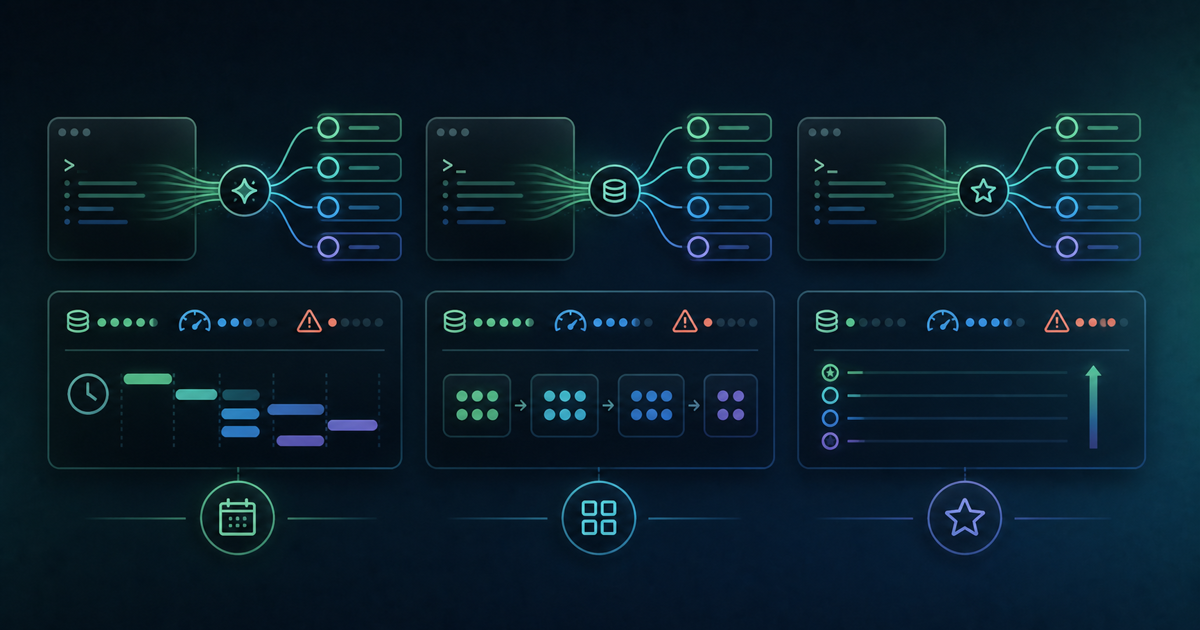
- Genspark: Credit-based / partially recovers daily / the key to saving is choosing the right feature for the task
- Claude Code: 5-hour rolling window / Plan Mode and splitting up conversations help / limit was doubled in May 2026
- Gemini: 24-hour usage cap / resets automatically at the date change / knowing the specific numeric ceilings matters
Summary
Running multiple AI tools side by side means dealing with several different limit systems, which can be disorienting at first. But the underlying idea is consistent: deciding upfront what you actually want the AI to handle, and how much you want to hand off to it, is what keeps you from wasting credits or hitting rate limits unnecessarily. If you switch between several of these tools, understanding each one's limit system properly — and picking the right tool for the situation — is the real skill worth building.
Related Articles
- Genspark vs Claude in 2026: the ultimate AI comparison
- Genspark vs ChatGPT vs Cursor: why developers should choose Genspark
- Genspark vs Perplexity: a thorough comparison! Which is optimal for engineers' development research?
This is an affiliate link. The publisher may receive a commission if you subscribe through it.