Table of Contents
Overview of the issue
"Can't log into Genspark" is one of the most common stumbling blocks users run into. Your password should be correct but keeps getting rejected, the verification email never shows up, your account gets locked — the causes tend to fall into a handful of patterns, and working through them in order should let you resolve most cases on your own.
Symptoms
- Your password should be right, but you still can't log in
- The verification email never arrives no matter how long you wait
- After a few failed login attempts, you keep getting rejected from then on
Frequency: high (especially common among users who just signed up) Impact: medium (work is temporarily blocked, but nearly always resolvable once you find the cause)
Cause 1: mixing up how you registered
The most common cause is trying to log in with an email and password despite having originally signed up via Google account linking. Genspark supports two signup methods — Google account linking and email registration — and mixing the two up leads to exactly the situation of "the password should be right, but I still can't log in." The first step is checking your signup-confirmation email to recall which method you actually used.
Cause 2: missing the verification email
If you don't click the link in the verification email sent when you create your account, you may be unable to log in, or some features may stay restricted. If the verification email hasn't arrived, first check your spam folder and Gmail's Promotions tab. It's also worth double-checking for a typo in the email address you registered. If it still hasn't shown up after waiting five minutes, requesting a resend is the reliable move.
Cause 3: account lock
After a few failed login attempts, your account may get temporarily locked for security reasons. This lock typically clears itself automatically after 15–30 minutes. If it keeps getting locked repeatedly, rather than frantically retrying, resetting your password first and then trying to log in again is the more reliable approach.
Cause 4: a browser-side issue
Even if there's nothing wrong with the account itself, browser cache or cookies can sometimes be the reason you can't log in. In this case, clear your browser's cache and cookies, restart the browser, and try again.
If you're specifically on Safari, having "Prevent Cross-Site Tracking" enabled can block the cookie handoff required for the login process, preventing you from logging in. If this is happening in Safari, temporarily turning that setting off may resolve it.
Cause 5: a server-side error is being displayed
Up to this point these have all been issues on your end, but if the screen shows an error code like "500 Internal Server Error" or "503 Service Unavailable," it's more likely a server-side problem rather than anything in your own settings. In this case, no amount of troubleshooting on your end will fix it, so the sensible move is to wait a while and try again later.
You might also see an "Execution Error" message. This tends to appear when server processing capacity is exceeded and a timeout occurs, and it seems more likely to happen during high-traffic periods (weekday daytime hours, for instance). This one, too, is often resolved simply by waiting a bit and retrying.
If none of that works
If none of the above resolves it, contacting Genspark's support desk is the way to go. When you reach out, including specifics — when you stopped being able to log in, what you were doing right before it happened, the exact error message shown — should help the support team respond faster.
Summary: the order to check things in
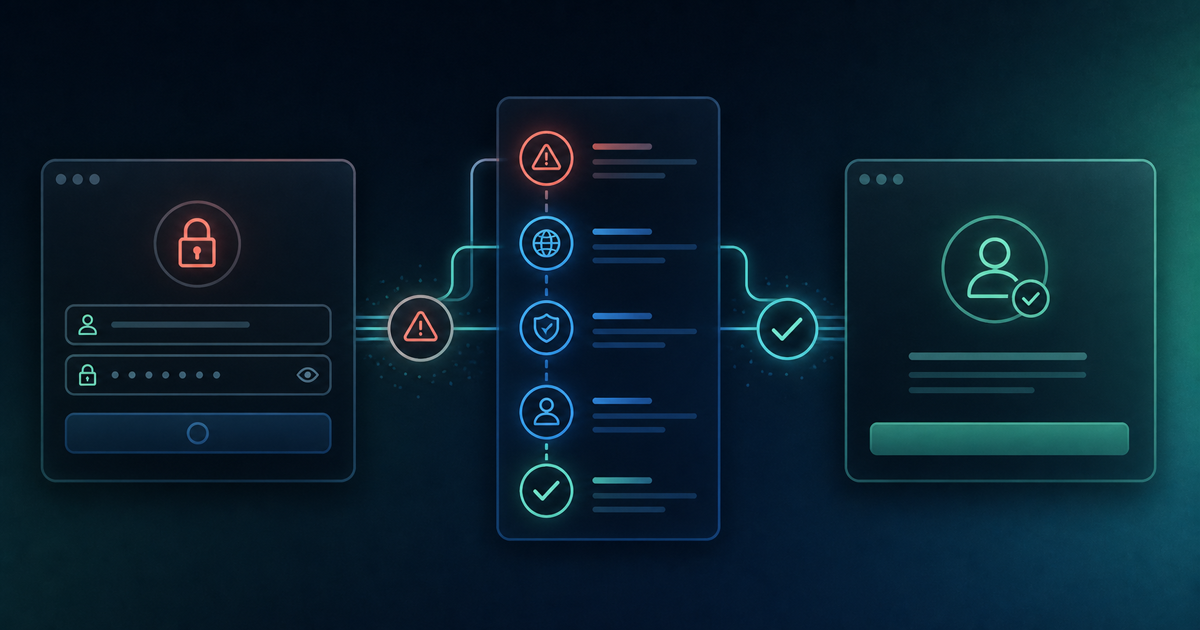
If you can't log in, here's the recommended order to work through:
- Recall your signup method (Google linking or email)
- Check the state of the verification email (spam folder, typos)
- Consider the possibility of an account lock — wait 15–30 minutes, or reset your password
- Clear your browser's cache and cookies, and try a different browser too (Safari users should also check the cross-site tracking setting)
- If you see an error code like "500," "503," or "Execution Error," treat it as a server-side issue and retry after waiting
- If nothing works, contact support with specifics about your situation
Frantically retrying the login over and over can actually make a lock last longer. Stay calm, and work through this list one step at a time.