In my previous article on what Genspark is, I introduced the overall picture based on my own experience using it for about a year and a half.
However, one person's experience alone cannot fully show the wide range of ways Genspark can be used.
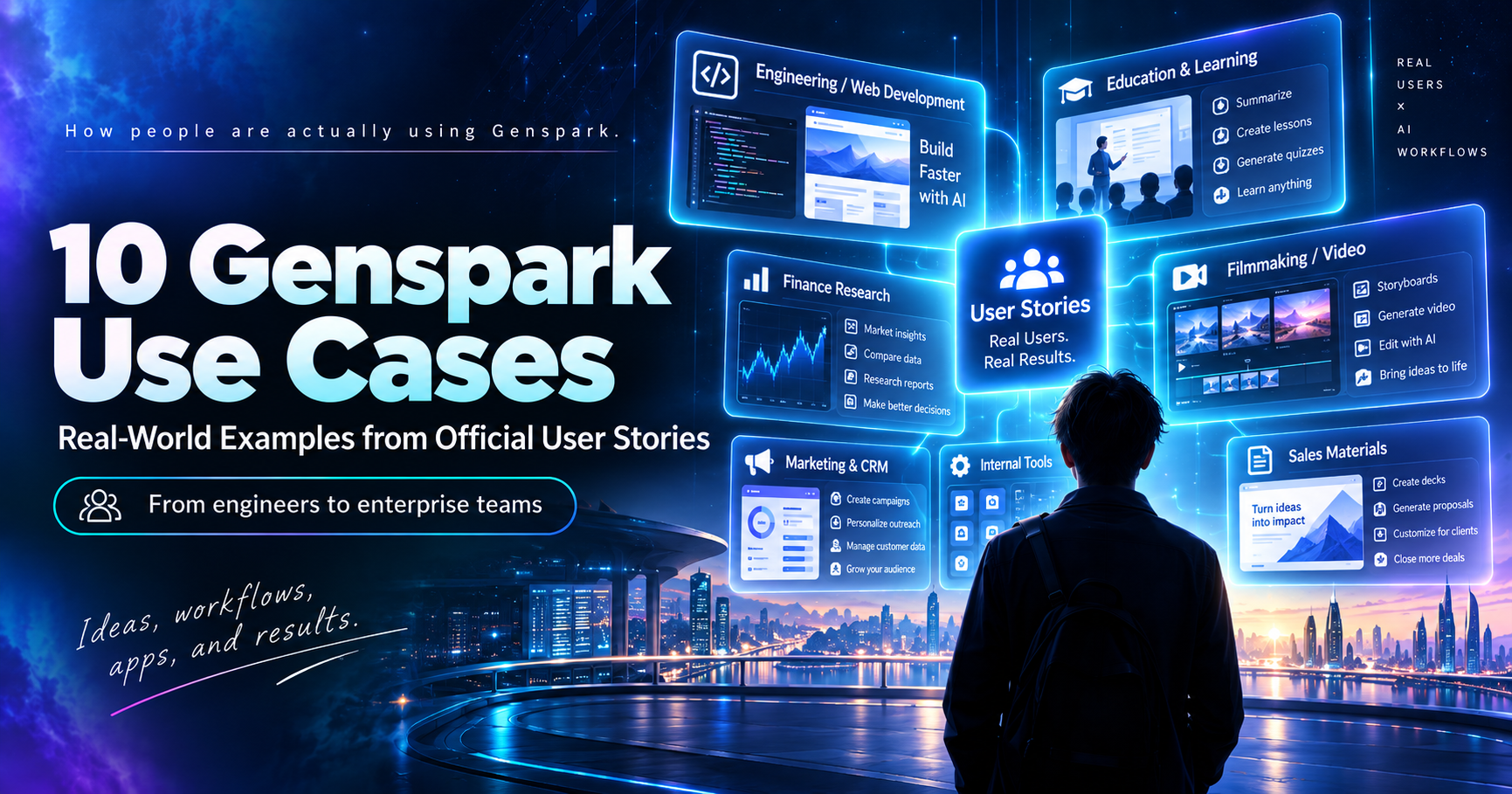
So in this article, I've selected 10 examples from Genspark's official "User Story" series to show how real users are actually using the platform.
The examples cover a remarkably wide range of people and industries, including engineers, web creators, business owners, educators, filmmakers, finance professionals, marketers, illustrators, IT teams, and enterprise sales organizations.
If you're wondering, "What am I actually supposed to do with Genspark?", I recommend starting with the example that is closest to your own work.
Genspark Use Cases in 3 Lines
- Who's using it? Everyone from solo engineers and web creators to educators, marketers, and enterprise sales teams
- What are they using it for? Not just one feature — they combine document creation, image/video generation, app development, and workflow automation
- What results do they report? Concrete wins like tripling project capacity or cutting proposal prep from 4 hours to 35 minutes
Table of Contents
- Genspark Use Cases Are Easier to Understand Through Official User Stories
- An Engineer Who Consolidated Multiple AI Subscriptions Into Genspark
- A Web Creator Who Couldn't Write CSS or JavaScript Tripled the Number of Projects He Could Handle
- Automating Commission Processing for a 600-Person Sales Organization
- An Educator With No Coding Experience Built More Than 13 Apps and Learning Tools
- Producing a Film That Would Have Been Impossible to Make Alone
- A Finance Intern Used AI to Research Thousands of Public Records
- A Marketing Specialist Who Became Able to Build Software Himself
- Cutting Illustration Planning Time From 30 Minutes to 10
- A Six-Person IT Team Built More Than 25 Internal Tools
- CBRE Used Genspark to Prepare Materials for a Competitive Bid
- The User Stories Reveal a Common Pattern in How People Use Genspark

Who's actually using Genspark, and what are they doing with it?

That's the fun part — it's all over the place. Let's look at 10 real examples from Genspark's official User Story series.
Genspark Use Cases Are Easier to Understand Through Official User Stories
Of course, these are success stories selected by Genspark itself, so they do not mean that every user will achieve the same results.
Even so, I think seeing what real users are actually doing with Genspark is very useful for anyone considering how to use it.
An Engineer Who Consolidated Multiple AI Subscriptions Into Genspark
Damien Lienert, an IT systems engineer in Switzerland, had previously been using several different AI services, including Claude Pro, ChatGPT Pro, and image-generation APIs.
His main problem was not the quality of the AI itself. It was that subscriptions, API keys, pricing systems, interfaces, and rate limits were all scattered across different services.
After switching to Genspark, he consolidated image generation, video, AI Slides, and other tools into a single environment. He eventually cancelled his Claude and ChatGPT Pro subscriptions and shifted most of his AI usage to Genspark (Genspark official blog).
I think this example explains one of Genspark's biggest strengths very clearly.
I still use Claude Code and ChatGPT separately myself, but I completely understand the feeling that "there are simply too many AI services to manage."
I've also written about how AI subscription costs can gradually pile up in My Real AI Subscription Costs in 2026: A Freelancer's Complete Breakdown.
Official User Story: From Scattered Tools to One Platform
A Web Creator Who Couldn't Write CSS or JavaScript Tripled the Number of Projects He Could Handle
Todd Bogert is a veteran web creator who has worked on more than 8,000 websites over the course of his career.
To be clear, he did not build all 8,000 of those websites with Genspark. He had already been working in web production for many years before using the platform.
However, he could not personally write CSS or JavaScript, so he had to rely on a partner for detailed implementation work.
After he started using Genspark, he was able to generate HTML, CSS, and JavaScript while watching a live preview. Tasks that previously had to be handed off to someone else could now be handled by himself.
According to Bogert, the number of projects he could manage simultaneously increased by at least three times (Genspark official blog).
Even if you don't understand code, you can look at the actual screen and simply tell the AI:
"Change this part."
I think this is a good example of how approachable Genspark's app and web development features can be.
I've also compared ways to publish websites created with Genspark in this article.
Official User Story: How One US Navy Veteran Built 8,000 Websites and Never Stopped
Automating Commission Processing for a 600-Person Sales Organization
Seve Ortale, a 26-year-old entrepreneur, runs three companies and manages around 600 independent sales representatives.
Previously, when deal information arrived from Jotform into Slack, someone had to manually look up the salesperson's commission rate, enter it into a spreadsheet, and update information such as manager involvement and rankings.
Ortale used Genspark Claw to build an AI Chief of Staff called "Goose."
It now connects with services such as Slack, Notion, and Xero, and handles commission management, task assignment, daily morning briefings, advertising spend and ROAS reports, and follow-up task creation after calls. According to the official story, the basic integrations were built in around 30 to 40 minutes (Genspark official blog).
This is a very large-scale use case, and Ortale reportedly spends around $4,000 per month on Genspark.
That is obviously far beyond the scale of a typical user, but it is interesting because it shows that Genspark can be used not only as a chatbot, but also to actually run parts of a business workflow.
I also build business productivity tools, and I think AI is especially well suited to eliminating repetitive tasks that someone has to perform every day.
Official User Story: How a 26-Year-Old Entrepreneur Built an AI Chief of Staff
An Educator With No Coding Experience Built More Than 13 Apps and Learning Tools
Aaron works as an educator, counselor, and coach, and had no previous coding experience.
After starting to use Genspark, he created more than 13 apps, websites, and educational simulations.
One of the most interesting examples is a math-learning website he built specifically for his five-year-old daughter, who is being homeschooled.
He created a custom learning site with daily missions, coins, stories, characters, and audio. According to the official story, his daughter actually used it to learn subtraction.
He has also built history and biology simulations, student management tools, personality assessments, and many other projects (Genspark official blog).
I personally like this example a lot.
In the past, almost nobody would have paid development costs to build an application with only one user — their own daughter.
But with Genspark, you can.
The same thing happens inside companies.
There are plenty of tasks that remain manual because people think:
"Only three employees would use it, so it's not worth building a system."
AI development is making it possible to create these kinds of small, highly specialized tools.
Official User Story: How an Educator With No Coding Experience Built More Than 13 Apps
Producing a Film That Would Have Been Impossible to Make Alone
Filmmaker Euiseok Oh, also known as DESO, created the AI film "THE PROPHET JONAH" almost entirely on his own.
He already had experience in video production, but making a full-scale film usually requires a large team and a substantial budget. It was not something he could realistically begin by himself.
Even after he started using AI, another problem remained: he had to move back and forth between five or six different services for research, planning, translation, image generation, and video creation.
With Genspark, he built a workflow where he could develop ideas in one conversation, define the world and characters, generate images, turn those into video prompts, and then create footage using models such as Kling and Veo.
He also praised the fact that project context could remain within the same conversation, which made it easier to maintain character consistency (Genspark official blog).
I'm also involved in Instagram video production, and in my experience, the difficult part is often not the video generation itself. It is the constant movement between planning, asset creation, composition, images, and video.
Being able to connect those steps in one place is a major strength of Genspark for creative work as well.
I've tested Genspark's video generation features in more detail in this article.
Official User Story: How Filmmaker DESO Produced a Film With Genspark
A Finance Intern Used AI to Research Thousands of Public Records
There is also a finance-related example involving an intern named Luca.
Researching investment opportunities requires reviewing enormous amounts of information, including government databases, permit records, regulatory documents, PDFs, and market data.
It is simply not realistic for a person to read everything manually.
Luca used Genspark to research public data and documents, identify opportunities that appeared to meet specific criteria, and then create first drafts of investment memos, financial models, Excel files, and presentation slides.
The initial workflow took around five hours to build and was then improved over the following two weeks. According to Genspark's official story, it was used to examine thousands of public records and identify multiple potential investment opportunities (Genspark official blog).
I think this kind of work — tasks that humans can technically do, but that become unrealistic because of the sheer volume — is particularly well suited to Super Agent-style systems.
Another very Genspark-like aspect is that the workflow does not stop at research. It can also create outputs that humans can review, such as Excel files and slides.
Official User Story: How a Finance Intern Used Public Records to Find Investment Opportunities
A Marketing Specialist Who Became Able to Build Software Himself
Daniel Marama is a digital marketing consultant.
He already understood advertising, copywriting, and customer acquisition, and he often knew exactly what kind of systems his clients needed.
The problem was that when software development became necessary, he could not build those systems himself.
His options were either to hire an outside developer or search for a SaaS product that offered something close to what he wanted.
After using Genspark, he built his own operating system for a pizza shop he was planning to acquire. The system included eight functions, including AI phone reception, customer management, SMS outreach to inactive customers, loyalty features, advertising attribution, review generation, and a KPI dashboard (Genspark official blog).
This is another example I can relate to strongly because of the kind of work I do.
When you work in sales or marketing, you often think:
"I wish I had a tool that could do this."
In the past, that was often where the idea ended.
With Genspark, you can potentially build it yourself and take it far enough to actually show it to a client.
For consultants and small businesses, this can expand the range of work they are capable of doing.
I also documented how I built a social media app with Genspark in one week in this article, which may be useful if you want to see how far this kind of AI-assisted development can go.
Official User Story: How a Marketing Consultant Built His Own Software
Cutting Illustration Planning Time From 30 Minutes to 10
Illustrator Jin-ho Jung produces six books per year, with around 100 to 200 illustrations in each book.
Originally, each illustration took around 60 minutes. Roughly half of that time — about 30 minutes — was spent understanding the theme, searching for references, and deciding on the composition.
By using Genspark to generate reference images and composition ideas, he reduced that planning time from around 30 minutes to about 10.
He does not use the finished AI-generated image as the final artwork. Instead, he uses AI as a reference and draws the final illustration himself.
If he produces 10 illustrations per day, that saves roughly 200 minutes. He also says that where he previously generated only three or four composition ideas in 30 minutes, he can now review more than 10 ideas in around 10 minutes (Genspark official blog).
Jung also says one reason he continues using Genspark is how quickly new models are added to the platform.
That is very close to what I wrote earlier about how Genspark makes it easier to keep up with developments in AI.
Even when creating social media images or videos, you do not need to ask AI to produce the entire finished product. Simply using it for planning and composition ideas can already be very useful.
Official User Story: How an Illustrator Saved 200 Minutes a Day
A Six-Person IT Team Built More Than 25 Internal Tools
One particularly interesting example of business process improvement comes from Jerome, CIO of FICOFI.
The company has around 120 employees, but its IT team consists of only six people.
While handling projects, help desk requests, infrastructure, and security, the team also receives internal requests for new tools.
Normally, they would need to create specifications, find an external vendor, request quotes, sign contracts, and then wait weeks or months for development.
Instead, they began using Genspark AI Developer to build internal tools themselves.
So far, they have created more than 25. These include internal scheduling tools, wine recommendation systems, logistics comparison tools, and HR evaluation systems. One PDF-processing tool was reportedly built in around two hours and replaced paid Acrobat licenses the company had previously been using (Genspark official blog).
I also work on business productivity applications, and personally, I think this example captures Genspark's potential very well.
Companies are full of tasks where people say:
"It's not important enough to hire a development company for."
As a result, they sometimes keep doing the same work manually in Excel for ten years.
If employees themselves can simply tell Genspark, "I want this task to work like this," and create a simple tool, then work that was previously considered too small to justify system development can finally be improved.
I've also written about how small and medium-sized businesses can incorporate AI into their operations in this article.
Official User Story: How a CIO Built More Than 25 Internal Tools
CBRE Used Genspark to Prepare Materials for a Competitive Bid
The final example comes from a large enterprise.
The Moran Team at global commercial real estate company CBRE uses Genspark to prepare proposals for competitive bids.
In real estate proposals, simply collecting market data is not enough. The numbers need to be organized, turned into a story, visualized with charts and tables, and presented in a form that allows the client to make a decision.
The team used Genspark to build dashboards analyzing occupancy rates, potential tenants, and competing properties, as well as commute-time and public-transit analysis and market-position comparisons.
According to Genspark's official case study, the research cycle was shortened by 40%, while the time needed to prepare a first draft fell from four hours to 35 minutes. The team ultimately won the exclusive assignment after competing against several other brokerage firms (Genspark official blog).
Of course, it would be too simplistic to say that "they won the business because they used Genspark."
Even so, I rate Genspark's presentation features quite highly, so I find it interesting to see the platform being used in real sales work all the way from:
Research → Analysis → Presentation
In sales, it is not unusual to hear:
"We need a presentation ready for tomorrow's meeting."
Being able to dramatically shorten the initial preparation work in that kind of situation is extremely practical.
I've also written about how image-generation AI can be used in sales materials in this article.
Official User Story: How CBRE Used Genspark in a Competitive Bid
Looking at all these together, the industries and scale are all over the map.
Right. But what they have in common is that none of them rely on just one feature — they all chain multiple tasks together inside Genspark.
The User Stories Reveal a Common Pattern in How People Use Genspark
When you look at all of these official examples together, the ways people use Genspark are extremely diverse.
Some people build websites. Others make films.
Some CIOs build internal systems, while others research investment opportunities, create sales presentations, or build learning apps for their own children.
Even so, one common pattern stands out: very few of these users rely on only one AI function.
They research.
They think.
They create images.
They turn information into presentations.
They build apps.
They connect their work to existing services.
They link all of these activities together inside Genspark.
Looking at these examples, I think it is easier to understand Genspark not as "an alternative to ChatGPT," but as:
An AI workspace for using multiple AI tools to carry real work through from start to finish.