Table of Contents
- Overview
- The challenge of letting AI write 90% of the code
- Why it cost ¥50,000
- Working backward from the pricing to see how it adds up to ¥50,000
- The lesson: the importance of confirming a plan first
- Excerpts from practical techniques
- Beginners should start with CLAUDE.md
- Summary: 3 principles of cost management
Overview
Behind a flashy success story — "I handed iOS, Android, web, and a Chrome extension all to Claude Code, and compressed months of development into weeks" — there also is a painful lesson about unexpected billing. Using that case as a starting point, here's a look at how to think about task granularity when using Claude Code for personal projects.
The challenge of letting AI write 90% of the code
In one personal-development case, the developer had Claude Code write roughly 90% of the code across iOS, Android, web, a Chrome extension, and even Go. The reported result was compressing what would normally take months into a matter of weeks. This case seems to show that Claude Code isn't just a supporting tool — it's capable enough to carry the main weight of development.
Why it cost ¥50,000
At the same time, this same challenge came with a story of "blowing through ¥50,000." If you're logged in and using a subscription like Pro or Max, you'd only be paying a flat monthly fee — so this was presumably usage via the API.
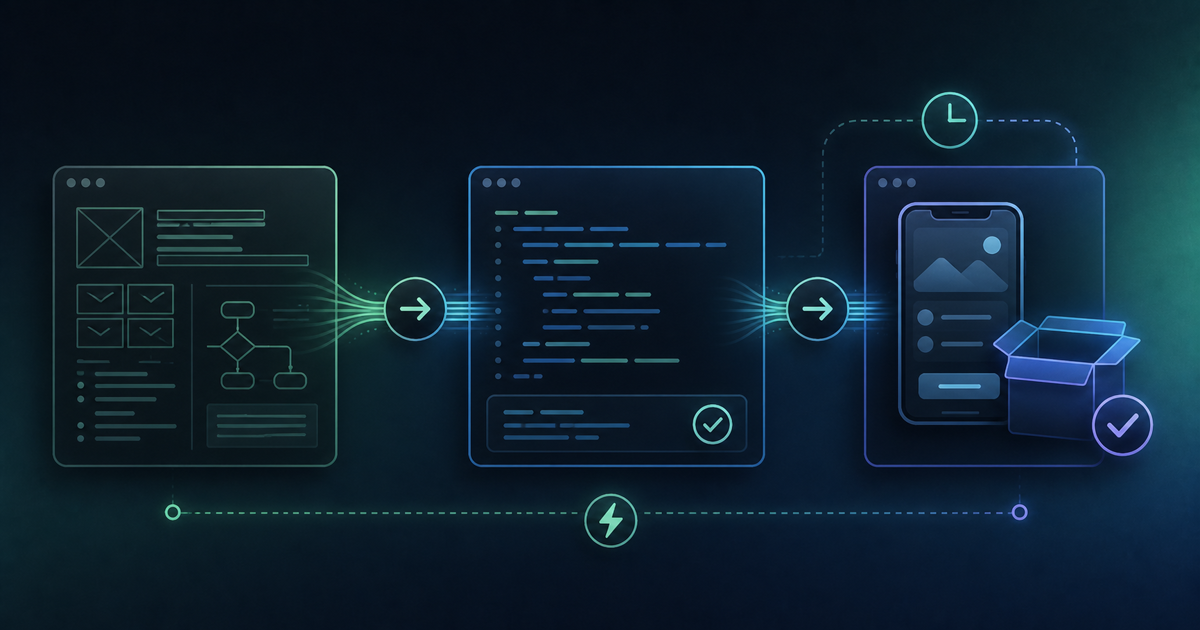
On top of that, the developer kept throwing large, coarse-grained instructions at it — things like "build the whole app" — over and over. An instruction that's too large tends to generate wasted back-and-forth and retries with the AI, which drives up API token consumption, and ultimately led to unexpectedly high charges.
Working backward from the pricing to see how it adds up to ¥50,000
To make this more concrete, let's work backward from the API's pricing structure. Claude Sonnet-class models are priced at roughly $3 per million input tokens and $15 per million output tokens, and the higher-performance Opus-class models run around $5 input / $25 output (these shift with exchange rates and model generation). The per-unit price might look cheap at a glance, but with a large instruction like "build the whole app," the AI can end up generating a huge amount of code, having it corrected, generating again, being corrected again — dozens of rounds of back-and-forth. If a single exchange consumes tens of thousands of tokens, and that happens hundreds of times, the cost can balloon to tens of thousands of yen surprisingly fast. Put the other way around, splitting instructions into smaller pieces and cutting down on wasted redos leaves real room to compress token consumption significantly, even when implementing the same feature.
The lesson: the importance of confirming a plan first
The lesson from this case is clear. First, especially if you're a beginner, check which mode you're actually using Claude Code in. If the login method shows something like "API Account," you're on pay-as-you-go billing — it's probably worth switching to subscription login with "/login." If the login method shows something like "Pro Plan," you're fine.
Before giving a large instruction, you should always take the extra step of confirming a plan in Plan Mode. Rather than diving straight into implementation, having the AI lay out a plan first — "what design, what steps" — and reviewing it as a human before moving to the implementation phase can substantially cut down on wasted code generation and retries.
Excerpts from practical techniques
Practical techniques shared for using Claude Code well in personal projects include the following:
- Have it lay out a plan only, in Plan Mode, before moving to implementation
- Break large tasks down into small, ticket-sized requests
- When an error appears, paste the full stack trace exactly as-is
- Don't ask for unnecessary comments in generated code
- Periodically clean up context with "/compact"
All of these seem aimed at cutting down on "waste" in the back-and-forth with the AI.
Beginners should start with CLAUDE.md
For anyone about to try personal development for the first time, preparing CLAUDE.md up front as an "instruction manual" is an effective starting point. Conveying your project's rules and tech stack from the outset removes the need to keep repeating explanations later, which also translates into cost savings. From there, easing in gradually with simple tasks is the safer way to proceed.
Summary: 3 principles of cost management
First, use "/status" to confirm the login method isn't set to API or similar. With that confirmed, the principles for running personal development efficiently with Claude Code seem to boil down to these three:
- Always confirm a plan in Plan Mode before giving a large instruction
- Break tasks down into small, ticket-sized requests
- Maintain CLAUDE.md to cut down on the cost of explaining things every time
"Hand everything over to the AI" is an appealing challenge, but behind it lies the extra step of designing the right task granularity.