Table of Contents
- Overview
- The UI is flawless — but it doesn't run
- Why does the API key trip people up?
- The right way to handle an API key
- The success pattern: splitting roles across 3 tools
- "PM instincts" matter more than "putting it into words"
- A real development example
- Summary: a checklist for avoiding API key failures
Overview
More and more people are trying their hand at personal development using Google's new agentic IDE, "Antigravity." The completeness of its auto-generated UI is impressive, but there is a point where a lot of people stumble once they actually try to get the app running.
The UI is flawless — but it doesn't run
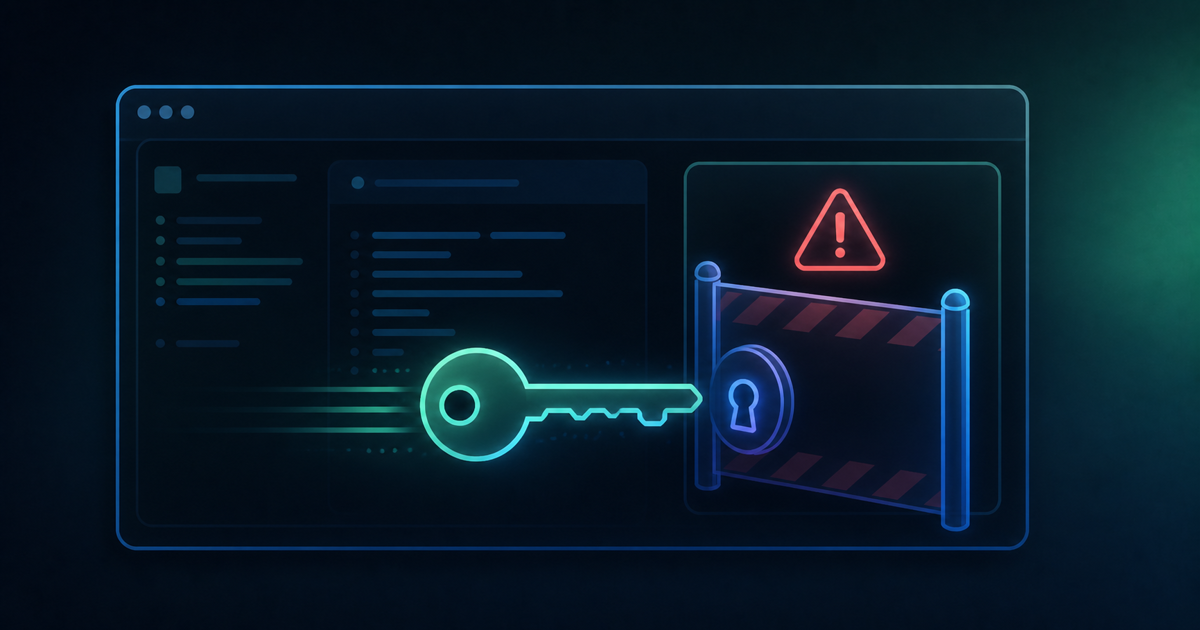
According to one "failure log," an app built in Antigravity had a perfectly auto-generated UI, but once it came time to actually run it, a flood of errors around external API key configuration and passing environment variables turned it into what the author described as pure hell. The gap between "it looks finished" and "it doesn't actually run" can be a real gut-punch for anyone using Antigravity for the first time. There's a claim that 90% of people get stuck exactly at this "API key configuration" step, suggesting this is far from a rare failure.
Why does the API key trip people up?
When AI auto-generates code, it tends to be good at UI design and logic, but managing the credentials needed to connect to outside services follows different rules in every environment — and this is an area the AI can't fully handle automatically. Cases where you need to use different keys for development versus production, or where the location or loading method for your environment-variable file differs from what's expected, tend to produce small mismatches that turn into errors.
The right way to handle an API key
Let's look at the concrete steps for avoiding the API key trap. The basic approach is not hardcoding the key directly into your code, but instead creating a ".env" file at the project root and keeping keys together there. That .env file needs to be added to .gitignore so it's excluded from version control and doesn't accidentally get published externally. It also helps to prepare a separate ".env.example" file that shows just the variable names without real values, and include that one in the repository — so other people (or your future self) can see at a glance what variables are needed.
Something else worth being careful about: don't mix a loosely permissioned test key with an important production key in the same .env file. It's considered safer to keep only low-impact test values in the .env sitting in Antigravity's working folder, and manage important production keys somewhere else entirely. It's also worth noting that when an AI agent interprets the contents of a .env file, there can be a subtle mismatch between how the actual program loads it (per the dotenv package's rules, for instance) and how the AI interprets it — differences in how quotes or whitespace are handled have reportedly led to quiet bugs where "the AI thinks it's correct, but it isn't actually reflected." After changing a value, it's reassuring to make a habit of actually verifying it works rather than taking the AI's explanation at face value.
The success pattern: splitting roles across 3 tools
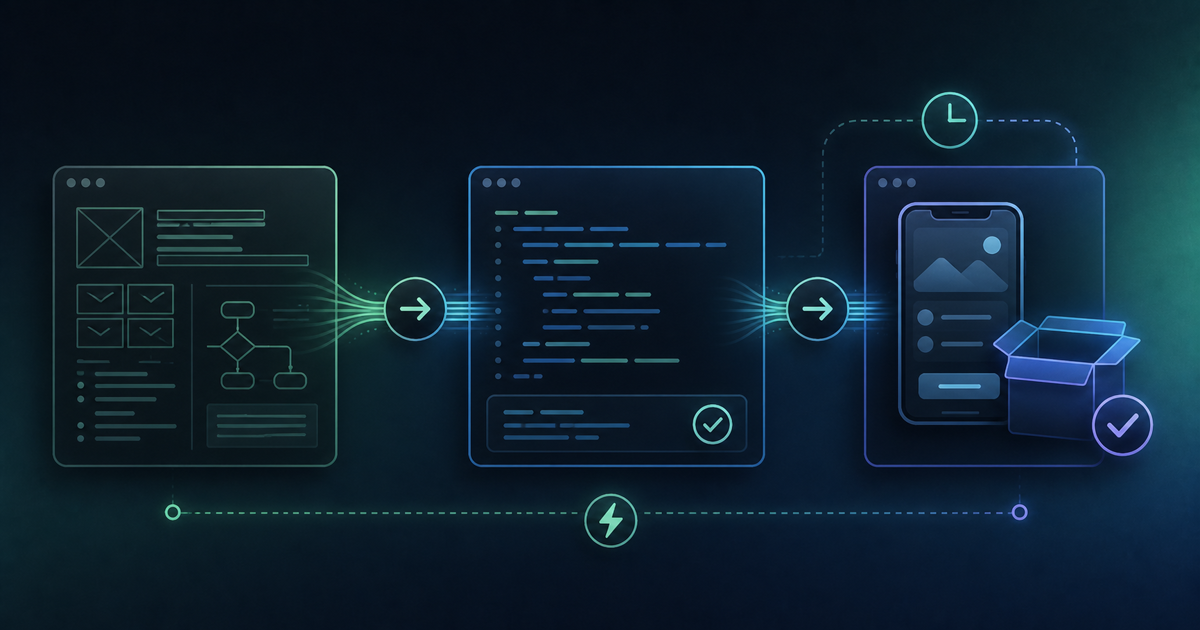
On the other hand, looking at personal-development cases that go well, a shared theme emerges: splitting roles across multiple tools. Concretely, that means hammering out requirements and specs through dialogue with Gemini, generating a rough UI design draft with Google AI Studio, and leaving the actual coding and data-layer implementation to Antigravity — a three-stage division of labor. Rather than handing the entire process to a single tool, combining tools according to each one's strengths seems to make development with less rework more achievable.
"PM instincts" matter more than "putting it into words"
In one development case, the developer described realizing through personal development in Antigravity that "PM (product manager) instincts matter more than the ability to articulate everything." Through a loop of Gemini for requirements, Antigravity for implementation, and sending the plan back to Gemini for review — a kind of "AI-to-AI ping-pong" — ambiguities in the spec surface naturally through the back-and-forth between the two AIs, even without a human spelling out every last detail. The result, reportedly, was less rework.
A real development example
In one case, a program for editing blog screenshot images was developed by combining Antigravity with a recent model — and Antigravity reportedly operated a browser autonomously, checking that everything worked as part of the process. Going beyond simple code generation to autonomously verify that things actually run is valued as a point of difference from traditional coding-assistant tools.
Summary: a checklist for avoiding API key failures
Before starting personal development in Antigravity, keeping the following in mind should help you avoid failure:
- Don't leave API key and environment-variable configuration entirely to the AI — check the contents yourself too
- Check in advance whether you've mixed up keys between development and production
- Split requirements definition, UI design, and implementation across Gemini, AI Studio, and Antigravity
- Don't obsess over "spelling everything out" — let the spec settle through back-and-forth between AIs
Don't get complacent about how polished things look — pay close attention especially to the connection points. That extra bit of care is the single biggest way to avoid the trap that catches 90% of people.