Table of Contents
- Overview
- What it's good at and not so good at, after 3 weeks
- Organizing 500 photos in just 25 minutes
- Results from trying it on article writing
- Plugins and connectors change what a "coworker" is good at
- What that "feeling of a coworker" actually is
- Don't forget backups as a safety net
- Summary: a checklist before adopting Cowork
Overview
Claude Cowork is built around the idea of "AI as a coworker" — it handles everyday tasks for you through file operations and integrations with outside tools. How far does it really live up to being a "coworker"? This article looks at a three-week hands-on report, plus concrete tasks like organizing photos and writing an article, to find out.
What it's good at and not so good at, after 3 weeks
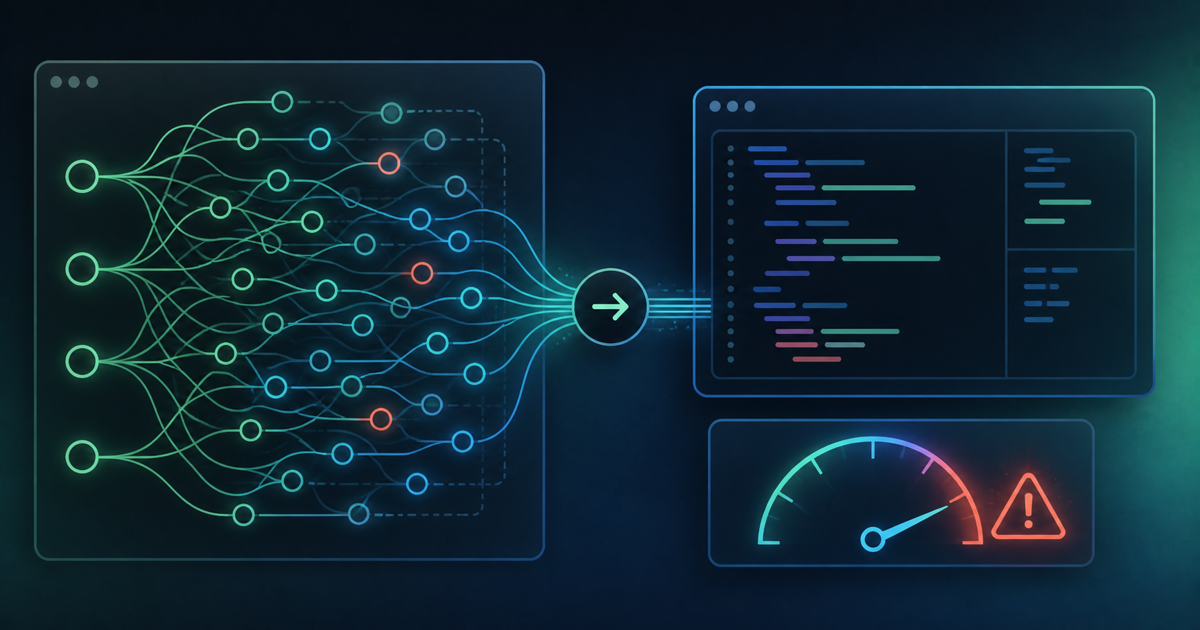
According to a report from someone who used Cowork for real work over a three-week stretch, its strengths lie in file organization and producing routine reports. On the other hand, for work involving complex judgment calls where opinions could differ, a human still seems to need to weigh in fairly often. There's also a note that trying to run complex work on the Pro plan hits the usage ceiling quickly, meaning that using Cowork seriously for work in practice effectively requires at least the Max plan.
Organizing 500 photos in just 25 minutes
As a concrete example, one report describes handing off the organization of a folder containing more than 500 photos to Cowork — and from writing the prompt to checking the results, the whole thing took just 25 minutes. Even a rough estimate suggests a human sorting 500 photos by hand would take several hours. This kind of time savings suggests Cowork is genuinely useful at a practical level for routine, repetitive work.
Results from trying it on article writing
In a hands-on trial of "writing an article" — a task familiar to anyone running a blog — the impression is that Cowork can be trusted with putting together an outline, but fine-tuning the writing style and tone still needs a human touch. In other words, the realistic way to use it isn't "hand the whole thing over from scratch to finished," but rather "let the AI produce a rough draft, and have a human do the finishing work."
Plugins and connectors change what a "coworker" is good at
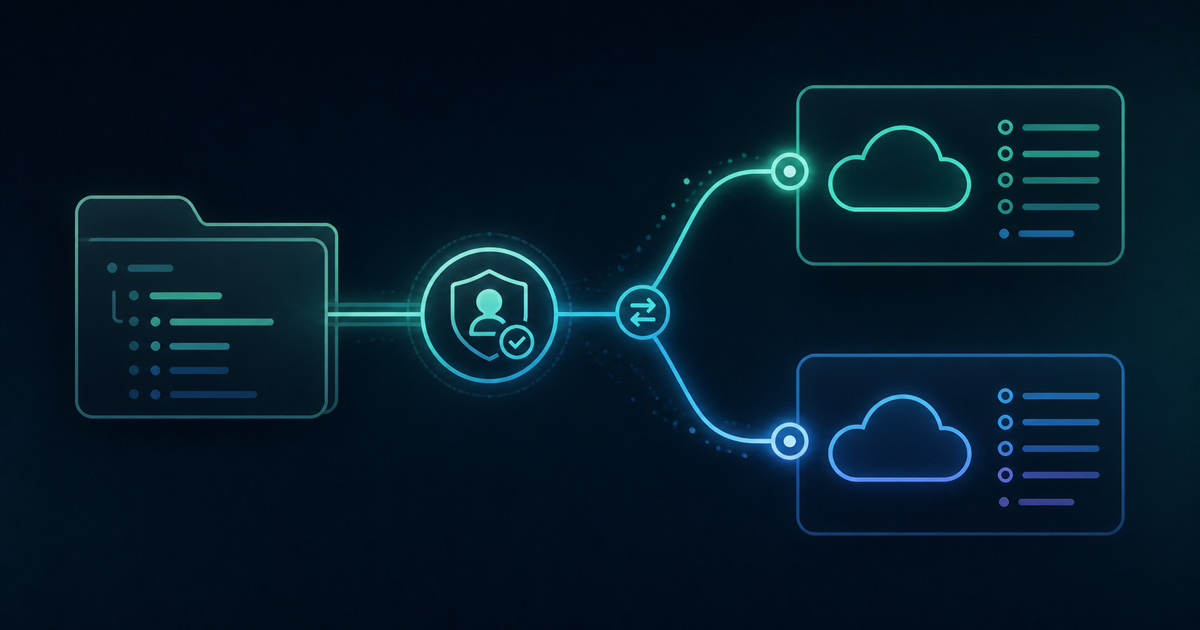
What really shapes how capable Cowork is comes down to a mechanism of plugins and connectors. Connectors are the "ports" that link to outside tools — Cowork reportedly connects directly to more than 50 services including Gmail, Google Drive, Slack, Salesforce, GitHub, and DocuSign. Plugins bundle up domain knowledge (skills) and operation commands on top of those connectors — a sales-oriented plugin might support prospect research and deal prep, while a legal-oriented plugin supports contract review and compliance work, with specialized functionality apparently available department by department.
In other words, Cowork as a "coworker" changes what it's good at depending on how it's set up when introduced — not unlike a new hire whose actual job depends on which department they're assigned to. Beyond general-purpose tasks like organizing photos or writing articles, activating the connectors and plugins relevant to your own work ahead of time seems to let it function as a "coworker" that goes further into the specifics of your job.
What that "feeling of a coworker" actually is
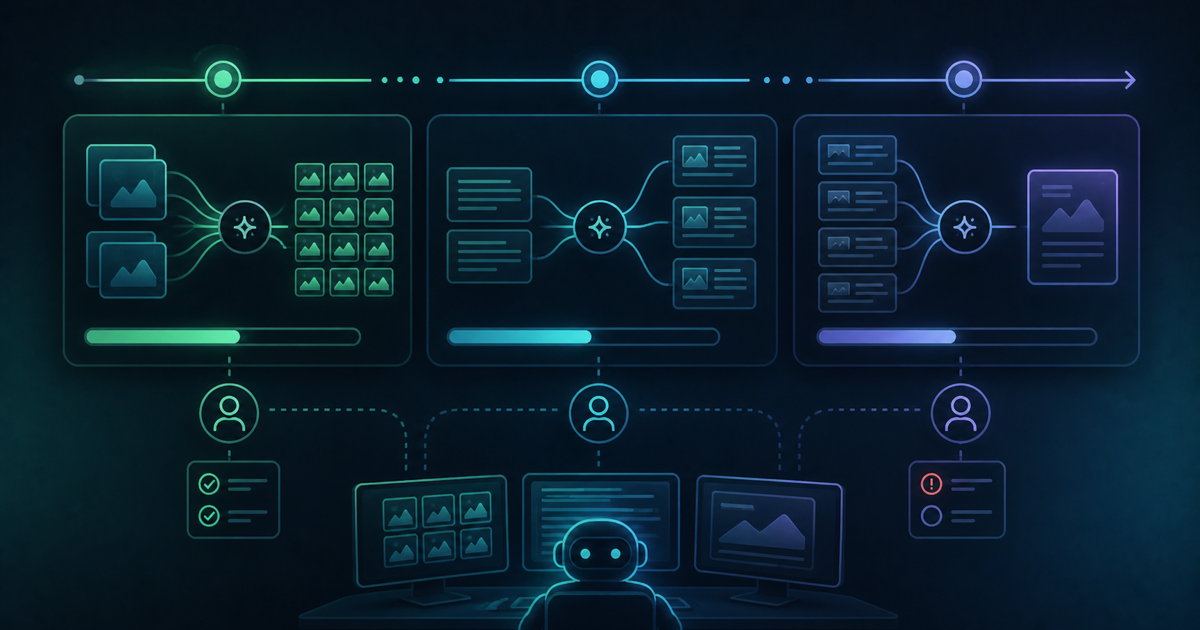
People sometimes describe using Cowork as finally understanding "what it feels like for AI to be a coworker." What's behind that feeling is a design where the AI doesn't just barrel ahead on its own — it presents options and checks in with you as it goes. Because that "checking in along the way" process exists, there's less worry about unintended actions, which seems to feed into a sense that you can hand off the work with peace of mind.
Don't forget backups as a safety net
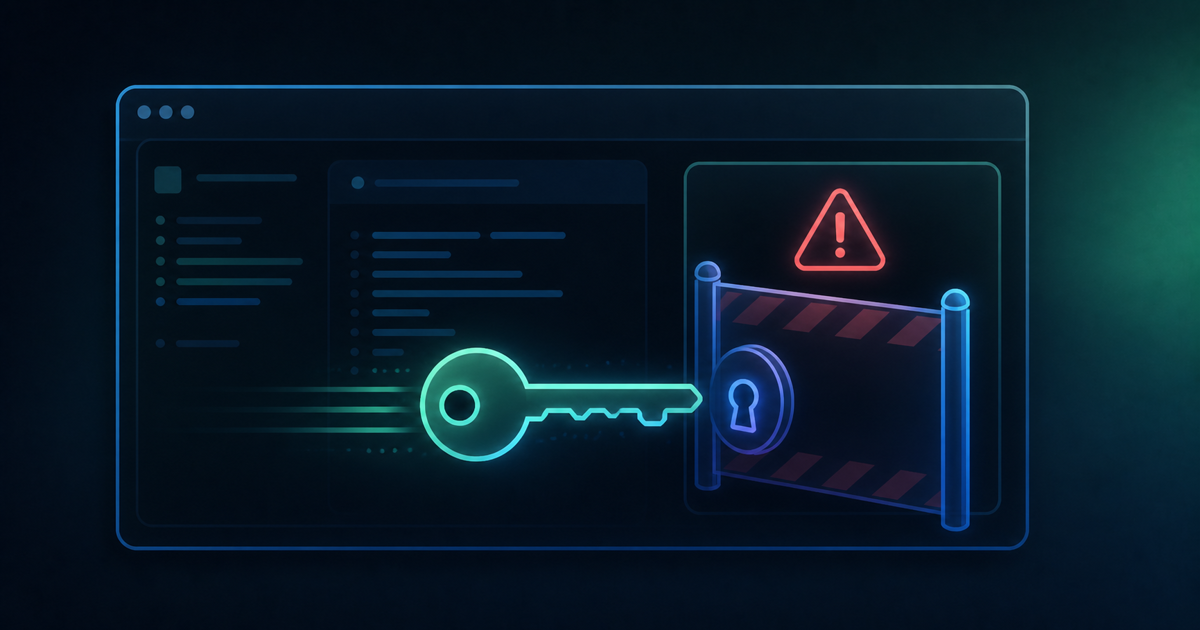
That said, one thing worth being careful about is that, since the AI is directly manipulating local files, the risk of an unintended overwrite or deletion is never quite zero. When handling important data, it's recommended to always take a backup before handing the work off. It's easy to forget this once you get used to the convenience, but it's a habit worth keeping regardless.
Summary: a checklist before adopting Cowork
Before actually adopting Claude Cowork, it's worth confirming the following:
- Work out whether the task you want to hand off is "routine work" or "complex decision-making"
- Keep in mind that serious use is likely to require at least the Max plan
- Always take a backup before handling important files
- Use it on the assumption that "AI does the rough draft, a human does the finishing"
Cowork comes across less as an all-purpose stand-in and more like a sharp, quick-witted new coworker — thinking of it that way seems to set the right expectations for working with it.