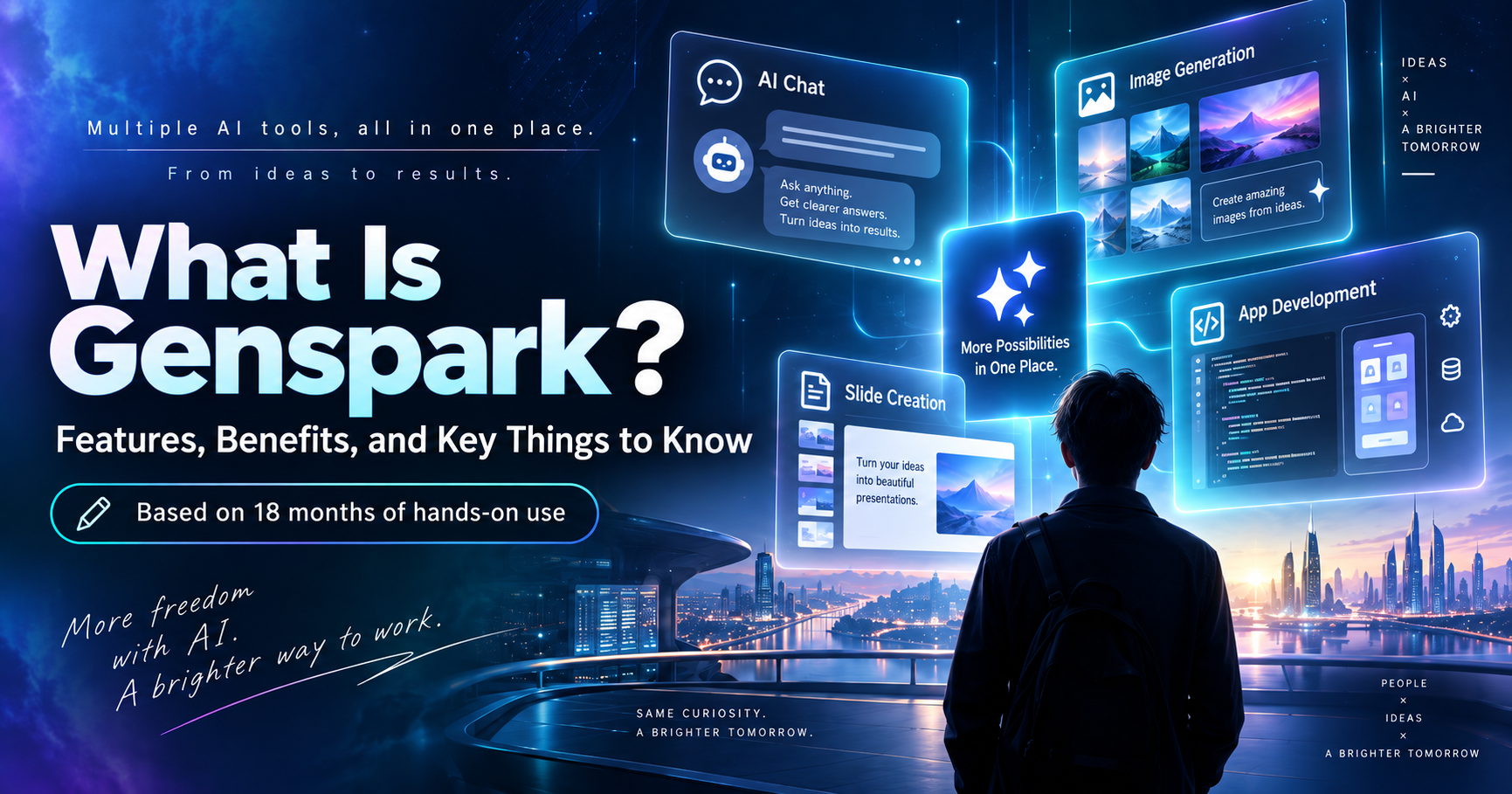
![[June 2026] Genspark MoA: Real-World Performance and How to Use It Right](/images/articles/104-moa_real_review.png)
Table of Contents
In this article, I share what I have genuinely learned from using Genspark's Mixture-of-Agents (MoA) feature extensively — the real facts, the pitfalls, and how to get the most out of it.
1. What Models Does MoA Actually Use?
As of June 2026, the three models that Genspark's MoA actually calls are:
| Model | Provider |
|---|---|
| GPT-5.1 Instant | OpenAI |
| Claude Sonnet 4.6 | Anthropic |
| Gemini 3.1 Pro Preview |
These are not the latest flagship models — not GPT-5.5 or Claude Opus 4.8. The models above are certainly capable, but if you subscribed expecting the very best models to be available through MoA, you may find a gap between expectation and reality.
Turn MoA off and you can select the latest models — including Claude Opus 4.8 and GPT-5.5 — individually. If your goal is simply to use the most powerful model available, the right move is to disable MoA and pick your model directly. Think of MoA as a feature for when you specifically want multiple models' perspectives synthesised into one answer.
Note that everything discussed here applies to Genspark's AI Chat feature. Text conversations are unlimited within your monthly plan and do not consume credits. Credits are spent on media-heavy features such as video generation, audio generation, and phone calls — a distinction many users misunderstand.
2. How MoA Works — and the Hidden Flaw in Reflection
Genspark's MoA sends a single prompt to all three models simultaneously, then passes their individual responses to a "Reflection" model that synthesises them into one coherent answer. You can read more about the mechanism on the official Genspark MoA page.
The Reflection model's job is to synthesise what the other three models have gathered — but it cannot perform web searches itself. This means Reflection has no way to independently verify whether the latest information the other models retrieved is actually correct.
In practice, what I noticed is that Reflection sometimes second-guesses up-to-date information by cross-referencing it against its own (older) training data — effectively downplaying accurate, fresh information. For anything time-sensitive — the latest API spec changes, best practices for a newly released framework — relying on MoA is, for now, something to approach with caution.
For details on available plans, see the Genspark Pricing Page (pricing details are further down the page).
3. Where Genspark MoA Truly Shines
Despite those limitations, there is one area where MoA delivers outstanding value: brainstorming and idea validation.
Architecture decisions for a new feature, evaluating product direction, comparing technology choices — these are questions with no single right answer. Being able to put them simultaneously to multiple AIs and receive a range of perspectives in one shot is genuinely valuable.
Ask MoA: "For a new SaaS product's database design, which is better — PostgreSQL or D1? Lay out the pros and cons of each." You get a well-balanced synthesis of three models' different viewpoints in a single response.
For this kind of use case, the freshness of information matters far less than the diversity of thinking. This is where MoA's strengths are fully unleashed. Use it as a tool for broadening your thinking — not as a research tool for current facts.
For an overview of MoA itself, see Genspark's "Mixture-of-Agents" Is Revolutionary: How to Get Claude, Gemini, and GPT to Answer Simultaneously.
4. In Practice: Cost Optimization Through Role-Splitting
To get the most out of Genspark, the key is dividing tasks appropriately across tools.
| Task | Tool | Cost |
|---|---|---|
| Brainstorming, idea validation, planning | Genspark MoA | $24.99/month |
| Latest info research, spec verification | Claude Code / GPT-5.5 | Pay as you go |
| Coding and implementation | Claude Opus 4.8 | Claude Pro $20/month |
The workflow of "locking in direction with Genspark, then implementing with Claude Code" remains highly effective. Investing time in the design phase with Genspark dramatically reduces costly rework during implementation.
For a deeper look at how Genspark and Claude Code compare, see Claude Code vs. Genspark: Understanding Each Tool's Sweet Spot. If you want to understand the difference between free and paid plans, check out Genspark Free vs. Paid Plans: A Full Comparison.
Summary: Not a Swiss Army Knife — A World-Class Brainstorming Partner
- MoA uses GPT-5.1 Instant, Claude Sonnet 4.6, and Gemini 3.1 Pro Preview — not the latest flagships
- Turn MoA off to use the latest models (GPT-5.5, Claude Opus 4.8) individually
- Text chat is unlimited and does not consume credits
- Reflection cannot search the web, making MoA unreliable for current-events research
- For brainstorming and gathering multi-angle perspectives, MoA is outstanding
Genspark MoA is not an all-purpose tool. But used as a partner for refining ideas, it is well worth $24.99 a month. Drop the inflated expectation that "all the flagship models are available through MoA," and focus on what MoA genuinely does best — that is the first step to getting real value from Genspark.
New to Genspark? Genspark Core Features Guide is a great place to start.