Table of Contents
Overview of the issue
Sometimes Claude Code suddenly stops responding, or its output starts feeling "sloppier" than before. There's rarely a single cause — but working through three angles: context management, thinking-budget settings, and environment setup, tends to reveal the fix in most cases.
Symptom 1: automatic context compaction fails
You may see an error message that reads "Autocompact is thrashing." This points to a state where Claude Code's automatic attempt to compress context as the conversation grows long is failing and retrying repeatedly.
Fix: Rather than loading a large file all at once, instructing it to read the file in smaller chunks helps — or running the "/compact" command to manually clean up the context.
Symptom 2: output feels "sloppier"
If you feel like "Claude's answers have gotten sloppier lately," it's worth suspecting that the default thinking budget has been quietly turned down.
Fix: Running "/effort high" within the session raises the thinking budget back up to its maximum.
Symptom 3: won't install or won't start
Sometimes the problem happens at the install or startup stage itself. A common culprit is an install error caused by running a Node.js version below 18.
Fix: If you're using nvm, running the command to switch to the LTS version resolves this in a lot of cases. Errors around the development environment often aren't a problem with Claude Code itself, but with the underlying runtime setup. I also had Claude Code installed in Termux on an Android phone, and at some point it stopped supporting Termux and simply wouldn't launch anymore. In that case, the fix was to disable auto-update and reinstall a version that still worked.
Symptom 4: connecting to an MCP server fails
If you've set up an MCP (Model Context Protocol) server to connect with an outside service, you may run into errors like "Connection failed" or "timed out after 30000ms." Commonly reported causes include:
- A command the MCP server needs to run (such as uvx) isn't installed, or isn't on the PATH
- A time-consuming first-run process, such as downloading an embedding model, is running and the timeout value is set too short
- A placeholder for an API key is still sitting in the config file, never swapped out for the real value
- Too many MCP servers are enabled (roughly 10 or more is a rough threshold), and loading all their tool definitions at startup is bogging things down
Fix: Start by checking each MCP server's connection status with "claude mcp list." If a timeout looks likely, try bumping the timeout setting up to around 60000 (60 seconds), or simply disable any MCP servers you're not using. In a VS Code environment, running "Developer: Reload Window" is also a quick first thing to try for reconnecting.
The official first-response steps
Anthropic's official troubleshooting docs describe, for cases where things look unresponsive, first canceling the current operation with Ctrl+C or restarting the terminal. There's also a "/doctor" command that automatically checks your install status, configuration, MCP server connections, and context usage. If something feels off, making a habit of running this command first tends to speed up finding the cause.
Isolating the cause can take time
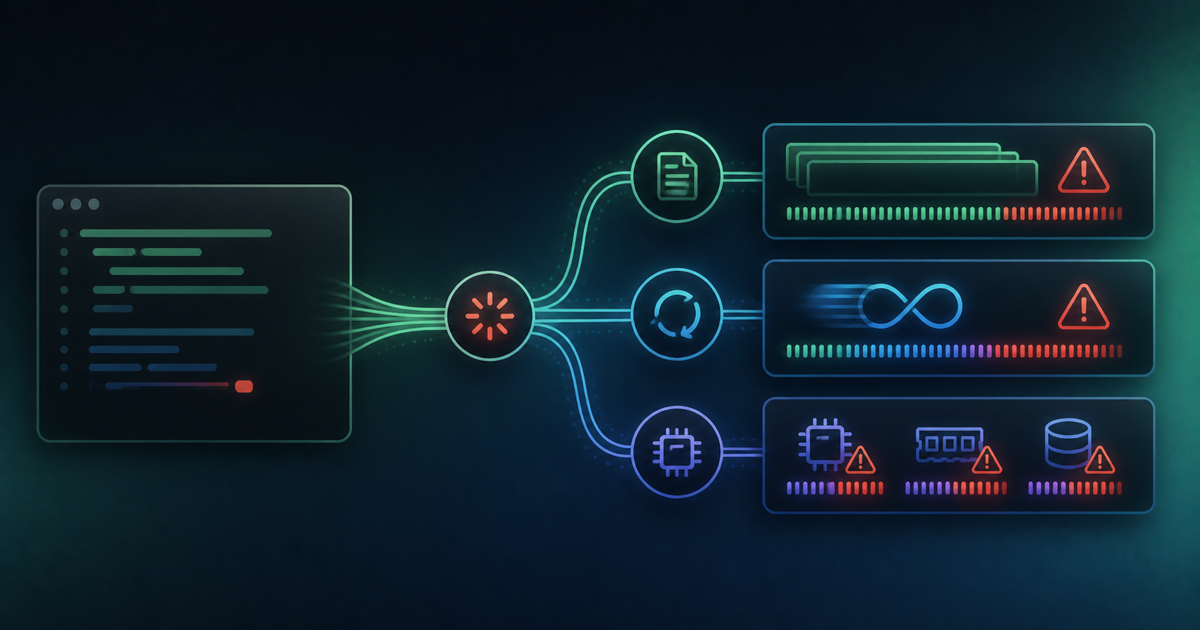
A slowdown doesn't always have a single cause — bloated context, slow MCP server responses, and heavy file-watching can all be tangled together. Working through them patiently, one at a time, matters here.
Summary
If you run into Claude Code misbehaving, check things in this order:
- Run "/doctor" first to check installation, configuration, MCP servers, and context usage
- If there's no response, cancel with Ctrl+C and restart the terminal
- If output feels sloppy, raise the thinking budget with "/effort high"
- If you get a context error, clean it up with "/compact" or split the file into smaller pieces before loading it
- If installation itself is the problem, check your Node.js version
- If MCP integration seems off, check connection status with "claude mcp list" and review timeout values and how many servers are enabled
Rather than jumping to one assumed cause, checking through them in order ends up being the fastest route to a fix.