Table of Contents
- Overview
- The free plan's specific limits
- The 24-hour auto-reset mechanism
- Integration with Google products is practical even on the free plan
- Know the weak points too
- You can also tap into a "separate free tier": Google AI Studio
- A handy trick: free upgrade campaigns
- Summary: tips for getting through a month on the free plan alone
Overview
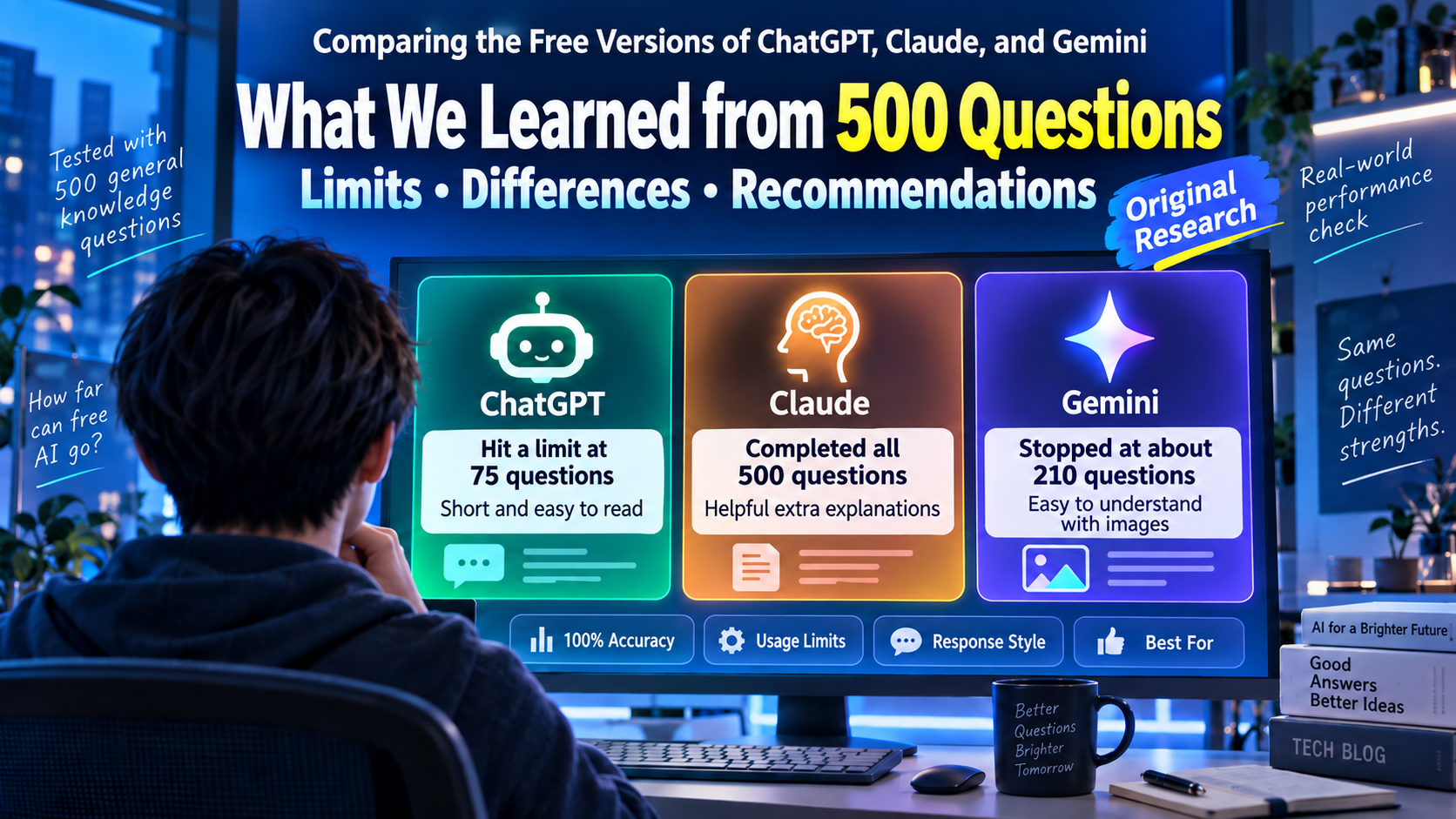
Gemini's free plan is appealing for how easy it is to get started — all you need is a Google account. But if you use it without knowing exactly where the limits are, you can end up caught off guard when it suddenly stops working.
The free plan's specific limits
The free plan has roughly three categories of limits: usage-count limits (a daily cap on prompts sent, images generated, and files uploaded), data-capacity limits (caps on file size and the context window), and feature limits (advanced features like custom Gems, Deep Research, and video generation are reserved for paid plans and above).
In concrete numbers, the free plan's context window is reportedly capped at around 32,000 tokens, and Deep Research is limited to roughly 5 uses a month. On the other hand, there are reports that image generation allows up to 50 images a day — so it's worth remembering that how strict the limit is varies quite a bit by feature.
The 24-hour auto-reset mechanism
The free plan's usage-count limits reset automatically on a 24-hour cycle. If you've already hit the ceiling for the day, rather than frantically retrying over and over, waiting for the date to roll over (say, late at night Japan time) is the most reliable way around it.
Integration with Google products is practical even on the free plan
It's easy to overlook, but integration features with Google products — drafting Gmail messages, summarizing documents, suggesting spreadsheet formulas — are genuinely usable at a practical level even on the free plan. Being able to use it right inside Google services you already rely on day to day seems to deliver real value even without paying.
Know the weak points too
On the other hand, there are reports that asking it to write something requiring delicate tone control aimed at an external audience — an email to a client, say — tends to come out somewhat stilted and mechanical, like a direct translation. It's well suited to routine internal documents, but for delicate customer-facing writing, it's worth assuming a human will need to do the final polish.
You can also tap into a "separate free tier": Google AI Studio
Something not widely known is that, apart from the Gemini app you normally use, there's a developer-focused service called "Google AI Studio" where you can also try models for free. The Gemini API sets free-tier limits per model in terms of RPM (requests per minute), TPM (tokens per minute), and RPD (requests per day) — and for a lightweight model, you can reportedly try it for free at a rate of several hundred requests a day. Even if you hit the limit on the main Gemini app, there's a chance you can try similar work in a slightly different form over on AI Studio, so it's worth keeping in the back of your mind to widen your options. That said, this is positioned more as a developer playground than a conversational app, so it's best thought of as an emergency fallback for when you hit a limit, rather than everyday use.
A handy trick: free upgrade campaigns
One more thing worth knowing is that Google periodically runs new-signup campaigns offering the paid "Google AI Pro" plan free for one month. Once the free plan's limits start feeling inconvenient, it's worth checking whether a campaign like this is currently running — it might let you try the paid features at a bargain.
Summary: tips for getting through a month on the free plan alone
Here's how to get the most out of Gemini's free plan:
- Know the specific limits — a context window of roughly 32,000 tokens, Deep Research at around 5 uses a month
- Waiting for the 24-hour reset is the most reliable move once you hit a limit
- Integration with Gmail, Docs, and Sheets is usable at a practical level even on the free plan
- Assume delicate, external-facing writing will need a human's finishing touch
- Keep an eye out for free-upgrade campaigns for the paid plan
Properly understanding how the limits work should be enough to get you through everyday work using just the free plan.