Table of Contents
- Overview
- The case where 982 credits became 111
- Why does the gap happen?
- How to build a "blueprint prompt"
- Choosing the right feature also matters
- Saving tips people actually use
- Building a system to reuse your blueprint prompts
- How to build a blueprint, illustrated by a real workflow-improvement example
- Keep the credit reset timing in mind too
- Summary
Overview
"I looked up and my credits were gone" — that's a headache most Genspark users have run into at least once. Even when people are aiming for similar output, the amount of credit consumed can vary wildly from person to person. Here's a case study showing that the biggest factor behind that gap is how the prompt is "designed."
The case where 982 credits became 111
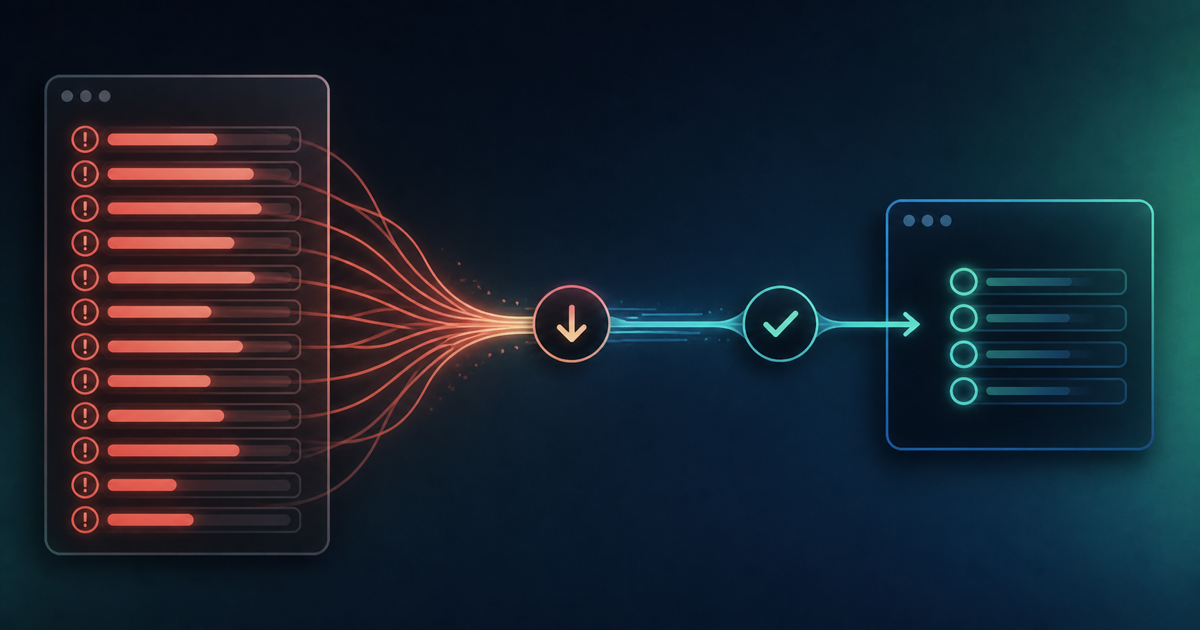
According to one report, for the same task of creating a presentation, handing it off with a vague, open-ended instruction consumed 982 credits — while handing over a "blueprint" that laid out the structure, headings, and tone in bullet points beforehand finished the job for just 111 credits. That's a reduction of fully 88%. It's a striking example of how much the way a prompt is built can affect cost.
Why does the gap happen?
Genspark's Super Agent is designed to go through several internal steps — "analyze → break down → select → execute" — once it receives a request. The vaguer the instruction, the more likely trial and error is to happen within these steps, and unnecessary redoing seems to push credit consumption up. Put the other way around, handing over a clear blueprint from the start reduces the room for the AI to hesitate and cuts down on wasted processing.
How to build a "blueprint prompt"
Concretely, it helps to prepare the following as bullet points before sending a request:
- The overall structure (number and order of headings)
- The elements you want included in each section
- The tone of the writing (formal/casual, whether jargon is acceptable)
- A rough target for length — character count or number of slides
Organizing these ahead of time before making a request makes it much more likely the AI nails something close to your intent on the first try, cutting down on the back-and-forth needed for revisions — and, as a result, saving credits too.
Choosing the right feature also matters
Another key point is judging in the first place whether you actually need Super Agent at all. One-off tasks — "write this text," "summarize this" — are handled just fine by the unlimited AI chat feature. Reserving Super Agent for cases where multi-step automation is genuinely required is the basic policy for avoiding wasted credit consumption.
Saving tips people actually use
Here's a practical set of saving tips:
- Handle simple tasks with AI chat rather than Super Agent
- Attach a blueprint (structure, headings, length) to the prompt ahead of time
- Don't dump multiple light tasks on the AI at once — split them up and check in between
- Check each generated result before giving the next instruction
- Split off heavy processing (video generation, large-scale data processing) to dedicated tools
Building a system to reuse your blueprint prompts
A "blueprint" you've built once is a shame to throw away after a single use. Stockpiling blueprint templates as text files — for presentations, emails, proposals, and so on — in something like an AI Drive means you can copy and paste it the next time a similar task comes up. In fact, a collection of prompts for office work has been shared that covers scenario-specific business email templates — first response to an inquiry, sending a quote, coordinating a meeting date, a thank-you after a contract, an apology for a delivery delay — and building up this kind of "template library" seems to translate directly into day-to-day credit savings.
How to build a blueprint, illustrated by a real workflow-improvement example
As a concrete example, imagine someone in accounting putting together "a presentation for the accounting manager explaining the benefits of migrating to a new cloud accounting system." Rather than just saying "make me a document explaining the benefits of migrating," including in the blueprint who it's for, what elements to cover — like a numeric comparison of the cost of adoption versus the savings — and even a slide addressing likely objections, raises the odds of getting something close to practical, usable quality on the first pass.
Keep the credit reset timing in mind too
Alongside these saving techniques, it's worth knowing how the credit reset works. Free-plan credits reset to a flat amount every day regardless of what was left over the day before — a "use it or lose it" system — and the reset happens at midnight UTC, which usually lands around 9 a.m. Japan time. If you've already used everything up for the day, waiting past that time to resume with a fresh allotment is a practical way to avoid unnecessary frustration.
Summary
The single biggest point for holding down credit consumption comes down to minimizing how much room you leave for the AI to figure things out on its own. A vague, open-ended request looks easy at first glance, but it's actually driving up cost through all the trial and error behind the scenes. Putting in a bit of up-front effort to prepare a blueprint — and then stockpiling it as a reusable template — is the shortcut to saving both time and credits at once. The next time you're about to build something in Genspark, why not try sketching out the structure on paper first, before firing off the request?
Related Articles
- How to use Genspark? Free PowerPoint creation hacks & credit-saving tips
- Dramatically boost development efficiency! 5 prompt techniques to elicit high-precision code with Genspark
This is an affiliate link. The publisher may receive a commission if you subscribe through it.