Table of Contents
- Introduction: Claude Code Has Blind Spots
- What's the Difference Between the Genspark API and CLI?
- What Happens When You Ask Claude Code to Generate an Image Without the CLI
- What Is Genspark CLI?
- How to Install
- Available Commands
- Calling Genspark CLI from Claude Code
- Takeaway: Zero Blind Spots When You Combine the Two
Introduction: Claude Code Has Blind Spots
Genspark offers a CLI you can use by issuing an API key. Unlike Claude Code, though, it isn't an autonomous AI agent that carries out multiple tasks on its own. Genspark CLI is a mechanism for calling individual Genspark features — image generation, search, transcription, video generation — one command at a time. You can use it on its own, but I personally find it more useful paired with Claude Code: let Claude Code drive the overall task, and call out to Genspark CLI only for the specific things Genspark is good at, like image generation or transcription.
Claude Code is a remarkably capable AI coding tool — but it has one notable limitation: it has no built-in generative media capabilities. Image generation, video creation, audio production — these are areas Claude Code simply cannot handle on its own.
This becomes apparent in practice. Ask Claude Code to "generate a photo of a cat," and it will honestly tell you it can't create images by itself. Then it will try to work around the limitation by searching for a free third-party service and writing code to call it on your behalf. It's resourceful — but the results depend entirely on what free tools happen to be available.
Claude Code won't pretend it can generate images. It will tell you upfront and then look for alternatives. The problem is that free alternatives come with quality trade-offs.
What's the Difference Between the Genspark API and CLI?
The word "API" might make you picture something as elaborate as Claude Code, but in practice it's better to think of it as a way to call Genspark's individual features from outside, one at a time. Here's how the pieces break down:
- API Key → the credential used for authentication
- Genspark CLI → a tool that uses your API Key to call Genspark's features from the command line
- Claude Code → an AI agent that judges the situation and carries out multiple steps on its own
Genspark does not have some Claude Code-style "super agent" hiding behind its API. Genspark CLI is simply a way to call individual features — image generation, search, transcription, video generation — one command at a time. It doesn't autonomously judge a situation and carry out multiple steps the way Claude Code does.
What Happens When You Ask Claude Code to Generate an Image Without the CLI
I asked Claude Code to generate a cat image without using Genspark CLI. It independently found a free, registration-free image generation service (Pollinations.ai), wrote the code on the spot, and returned a result.
Here's what came back.

It's not terrible, but the fur texture and lighting feel off — the kind of result that immediately reads as "AI-made." Free services have their ceiling, and this is it. Not quite good enough for a blog header or a client-facing document.
This is exactly where Genspark CLI enters the picture.
What Is Genspark CLI?
Genspark CLI is a command-line tool that lets you call Genspark's AI services directly from your terminal. It's not prominently advertised — it lives quietly in the depths of the settings page — so most users have no idea it exists.
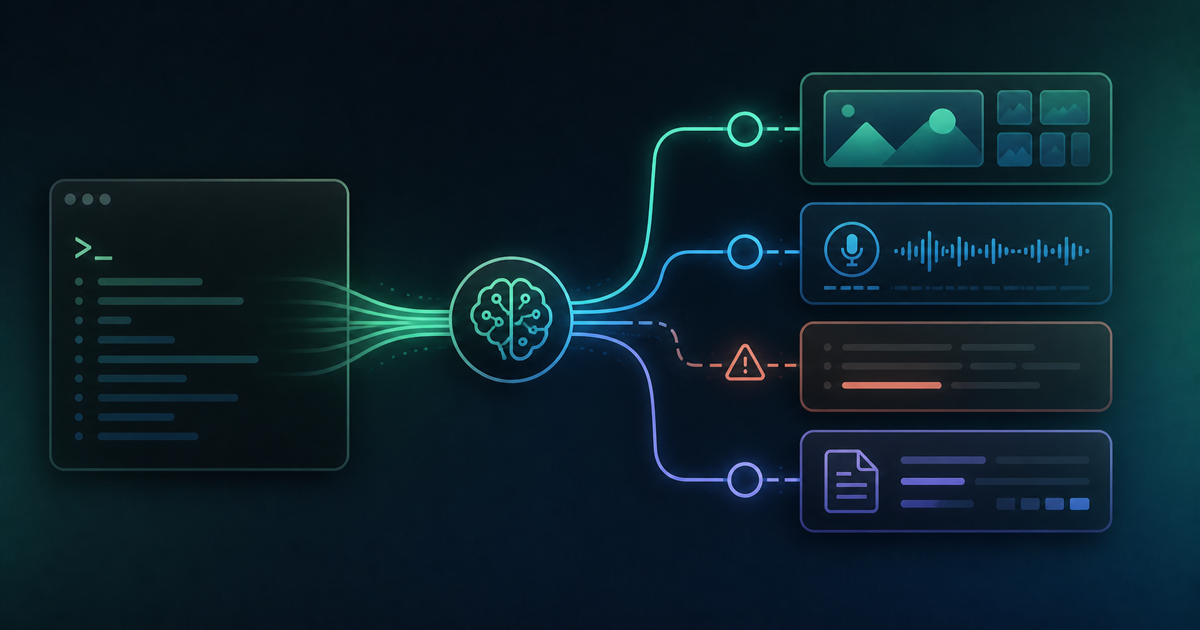
The key insight is that Claude Code can call it. Claude Code can execute terminal commands, which means it can invoke gsk img and delegate image generation to Genspark's high-quality AI models. Suddenly, Claude Code's blind spot disappears.
Claude Code handles what it's great at — code, logic, file operations — while Genspark CLI handles what Claude Code can't — image generation, video creation, transcription. Together, they cover the full stack.
How to Install
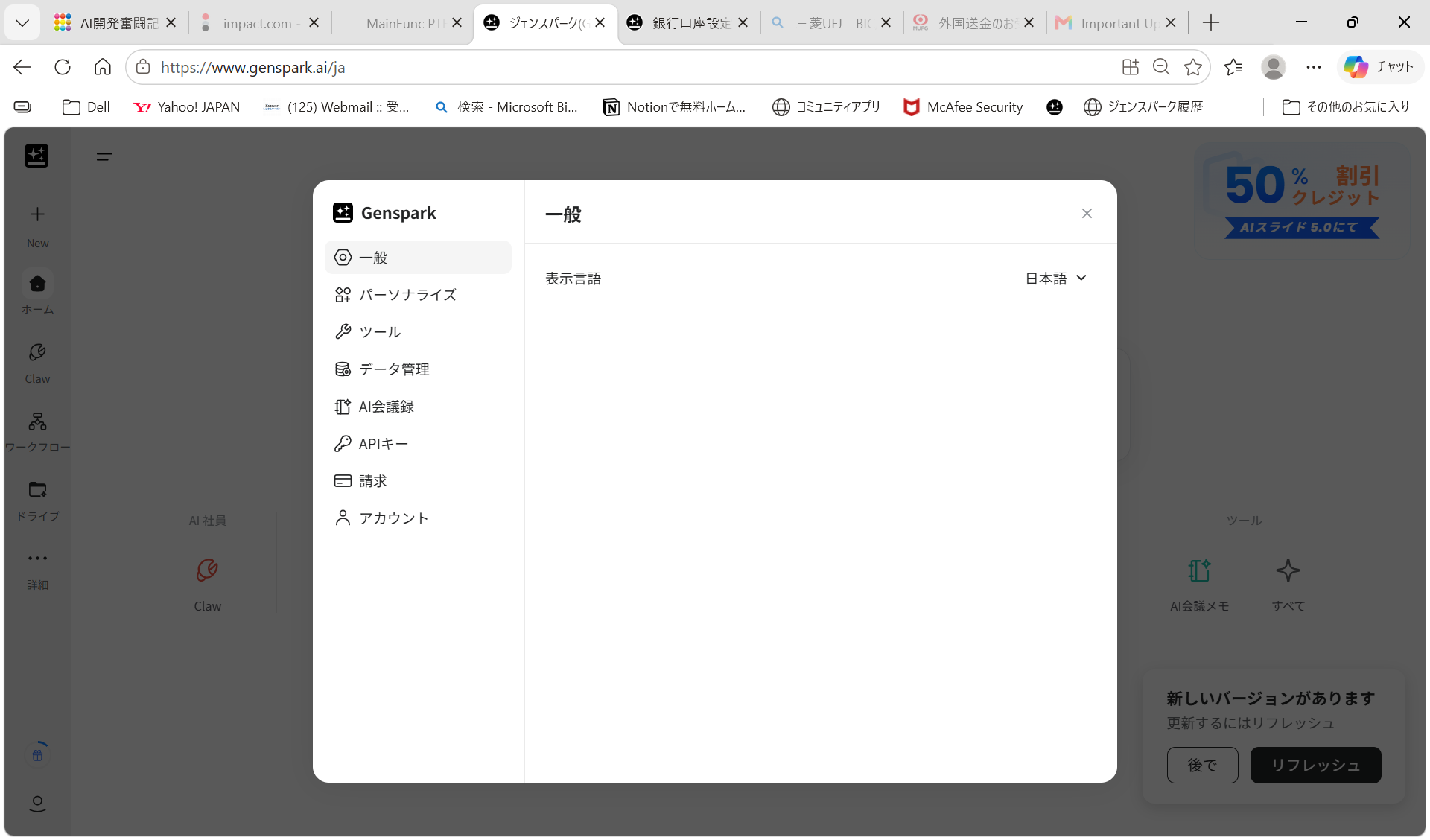
Open Genspark and click your user icon to access the menu, then select Settings.
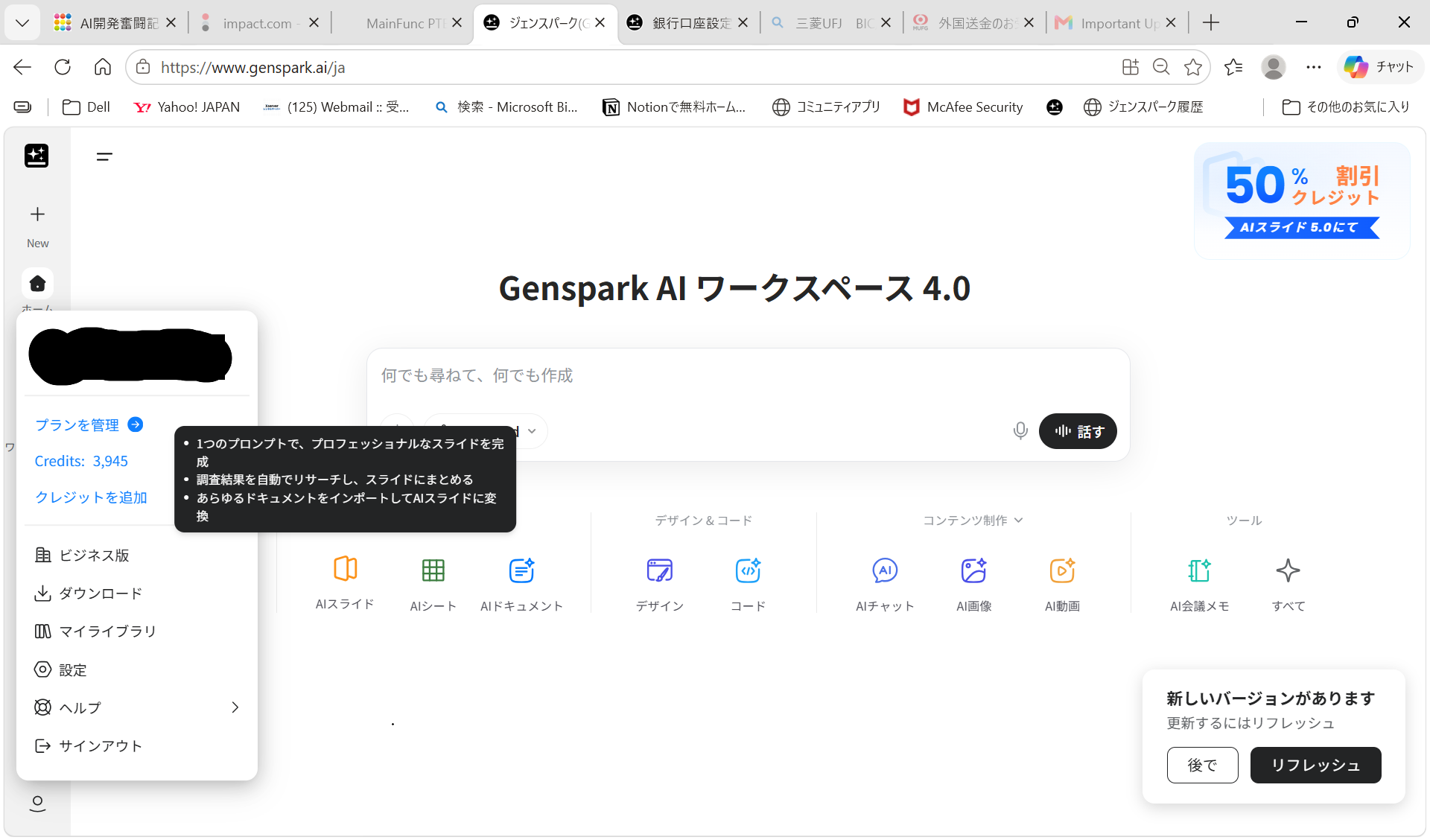
In the Settings dialog, click API Key in the left menu.
You'll see the install command and an option to create a new API key.
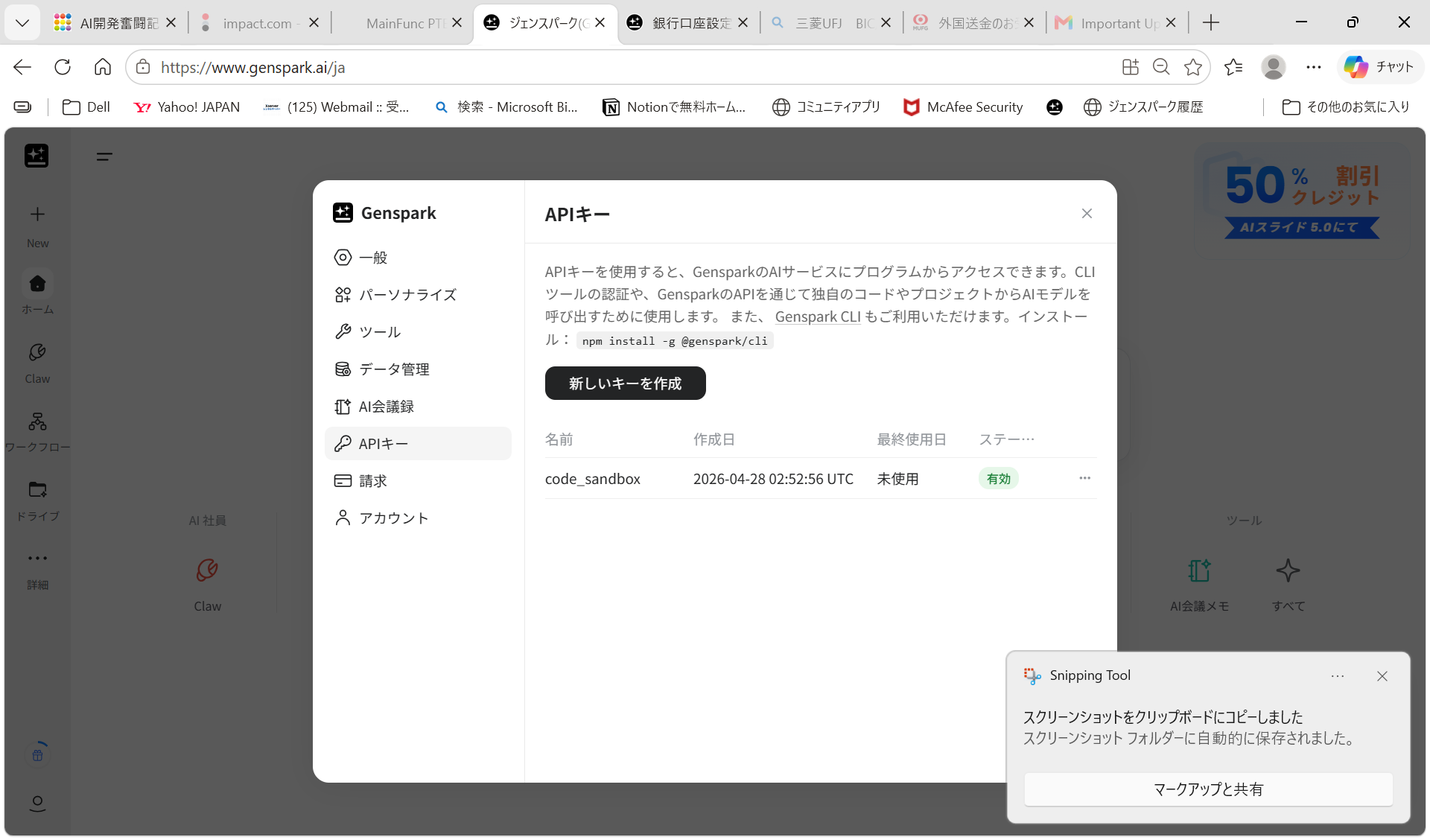
Run the following in PowerShell (Windows) or Terminal (Mac/Linux):
npm install -g @genspark/cliCreate an API key on the same page and set it as the environment variable GSK_API_KEY.
Node.js is required. Run gsk --help to see the full list of available commands.
Available Commands
The CLI tool is named gsk. It's a collection of single-purpose commands — not a conversational AI agent like Claude Code. Before using it, I expected something similar to Claude Code's interactive style, but it's more like a set of focused utilities designed to be composed with shell scripts or other programs.
| Command | Function | Example |
|---|---|---|
gsk img |
Generate an image from text | gsk img "a cute cat" |
gsk search |
Web search | gsk search "latest AI news" |
gsk transcribe |
Transcribe audio or video | gsk transcribe -i meeting.wav |
gsk stock |
Look up stock prices | gsk stock "Toyota" |
gsk video |
Generate a video from text | gsk video "sunset over the ocean" |
gsk analyze |
Analyze and understand images | gsk analyze -i photo.jpg |
Calling Genspark CLI from Claude Code
Once Genspark CLI is installed, ask Claude Code to generate an image and it will reach for gsk img automatically.
gsk img "a cute cat sitting on a windowsill, soft sunlight, photorealistic"Here's the result — compare it to the free-service output above.

Detailed fur texture, natural lighting, genuine photorealism. Claude Code can't do this alone — but by handing off to Genspark CLI, it produces results that are actually usable in a professional context.
The same principle applies beyond images. Hand Claude Code a meeting recording and ask for a transcript — it will call gsk transcribe and deliver. For pricing details: Genspark Pricing Page (pricing details are further down the page)
Takeaway: Zero Blind Spots When You Combine the Two
Claude Code is an exceptional AI coding assistant, but it has no generative media capabilities. Left to its own devices, it will resort to free services when asked to create images or process audio — and free services have a quality ceiling.
Add Genspark CLI to the mix and that changes. Claude Code handles code and logic; Genspark CLI handles generation and media processing. The combination covers each tool's weaknesses. Claude Code's blind spots disappear.
If Claude Code is part of your daily workflow, install Genspark CLI alongside it. One command — npm install -g @genspark/cli — meaningfully expands what Claude Code can do for you.
For more on what Genspark can do, see the AI image generation in sales post and the latest model overview.