
Table of Contents
What Is Genspark 4.0? Introducing the PowerPoint Add-in
Genspark 4.0 has been announced. Until now, Genspark was a browser-only tool, but with version 4.0 it has expanded into desktop applications — specifically as a Microsoft PowerPoint add-in you can use directly inside PowerPoint.
Beyond PowerPoint, Genspark has also added add-ins for Excel and Word, making it a powerful productivity tool for the entire Microsoft Office suite.
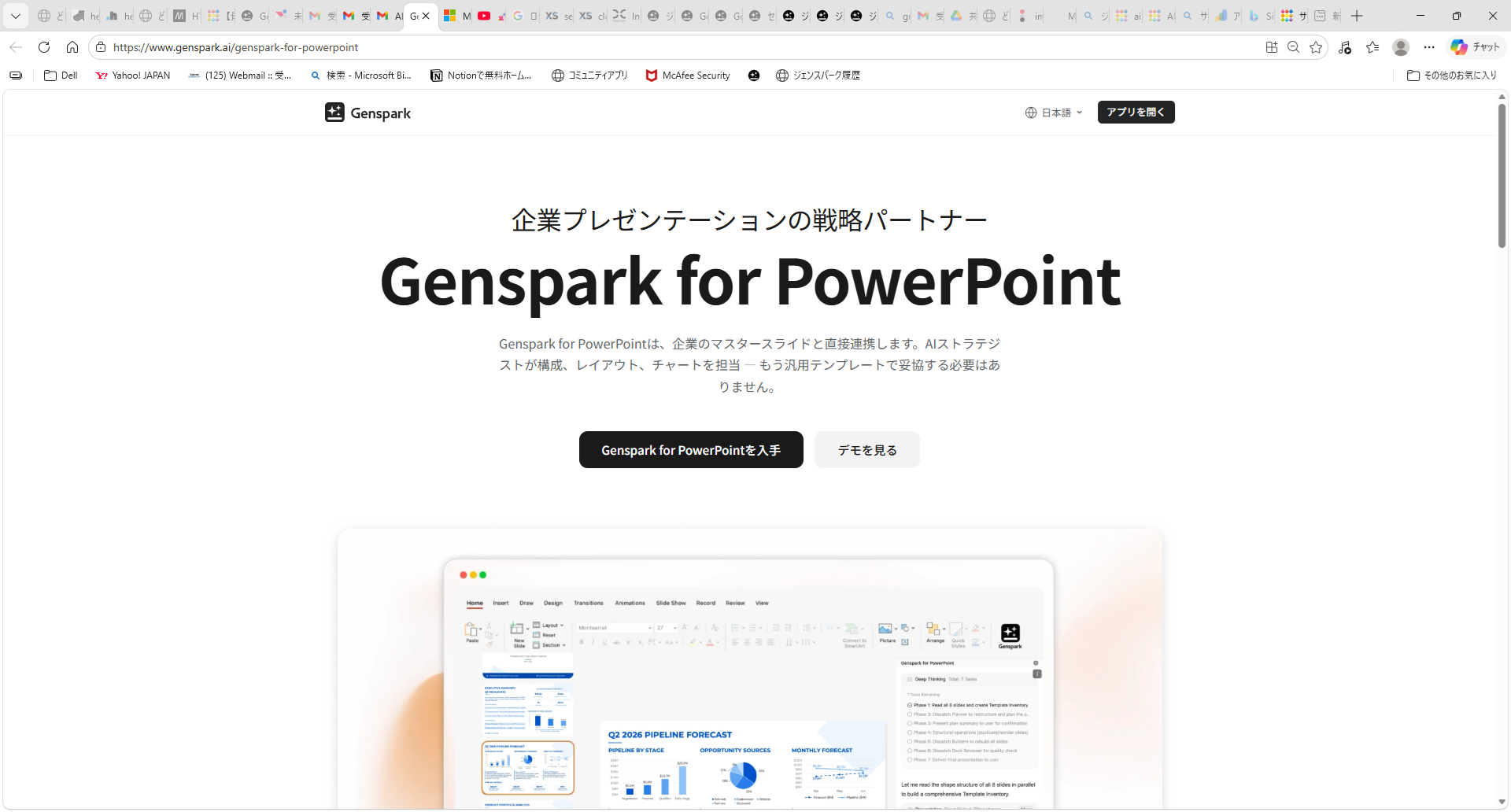
Note that Genspark's main website does not appear to have a direct link to Genspark for PowerPoint (likely because it requires a paid plan). You can install it from the dedicated page below.
Genspark for PowerPoint Install Page
How to Install
Installation is done through Microsoft AppSource. You'll need to sign in to both your Genspark account and your Microsoft account, so the initial setup takes a little effort. That said, once configured, you can launch it directly from the PowerPoint add-in ribbon with no friction.
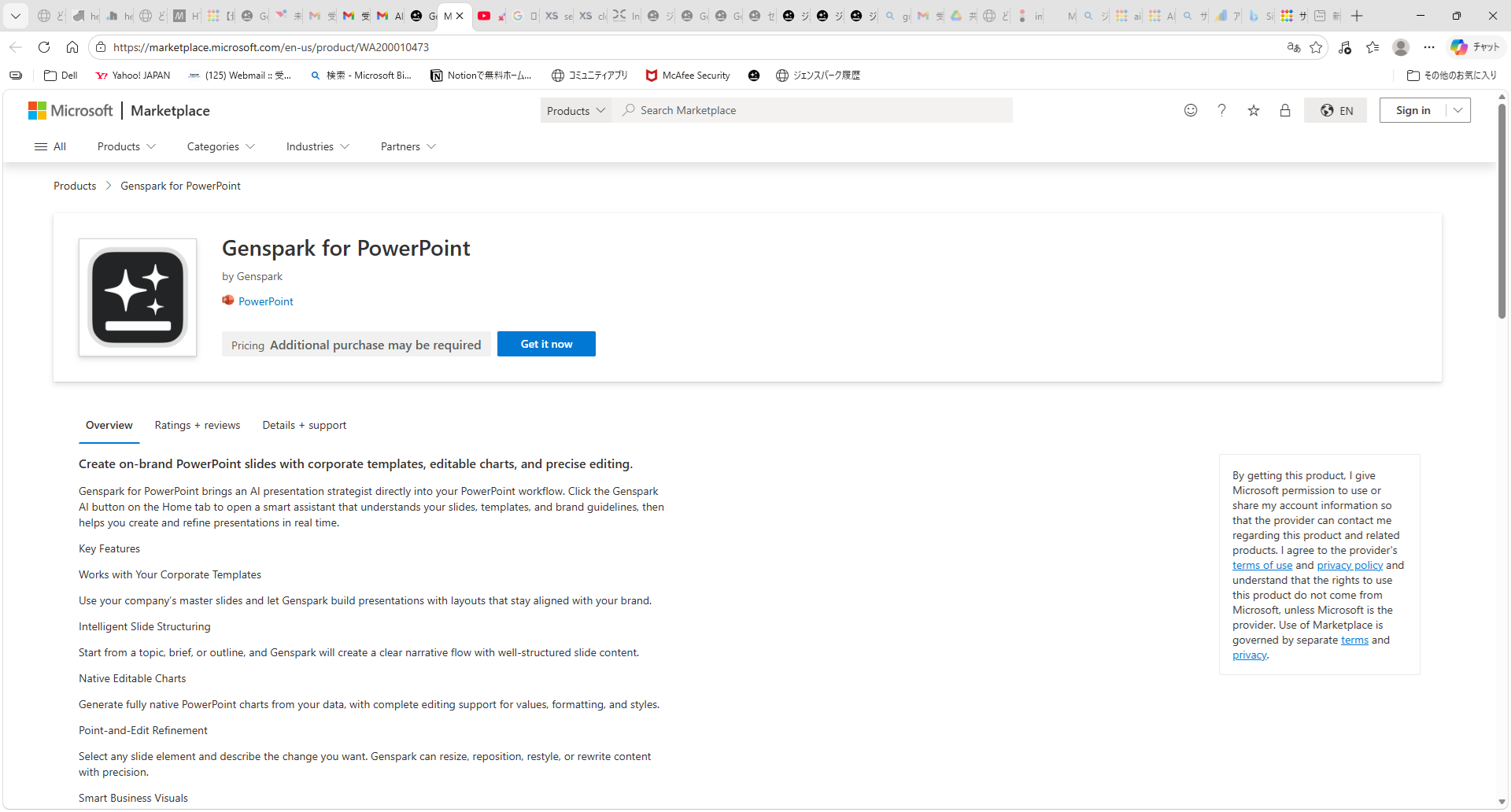
On the AppSource page, clicking "Get it now" will prompt you to sign in with your Microsoft account.
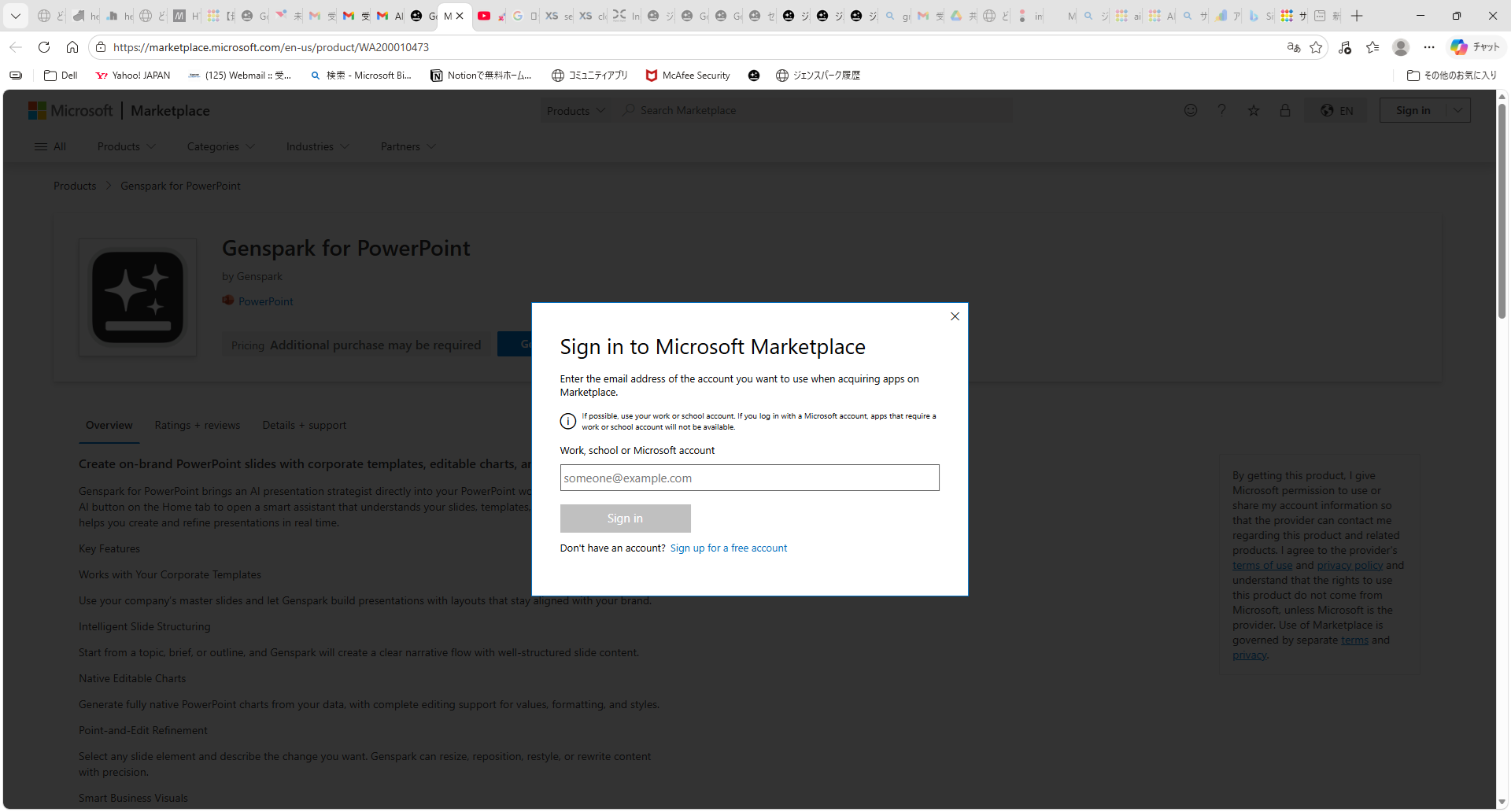
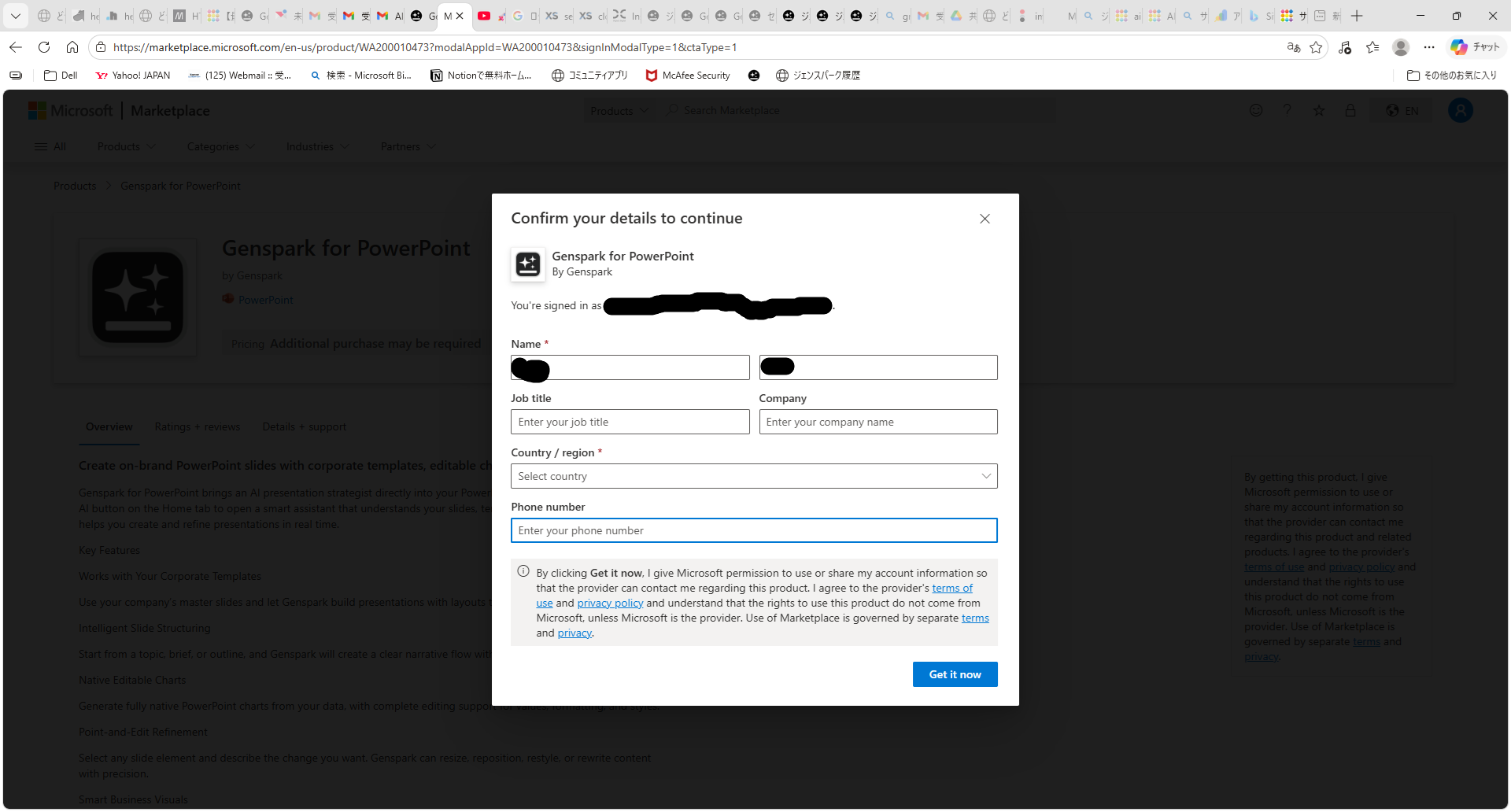
① Click "Get it now" on AppSource → ② Sign in with your Microsoft account → ③ Approve access permissions for Genspark → ④ Open PowerPoint and the Genspark for PowerPoint panel will appear on the right side
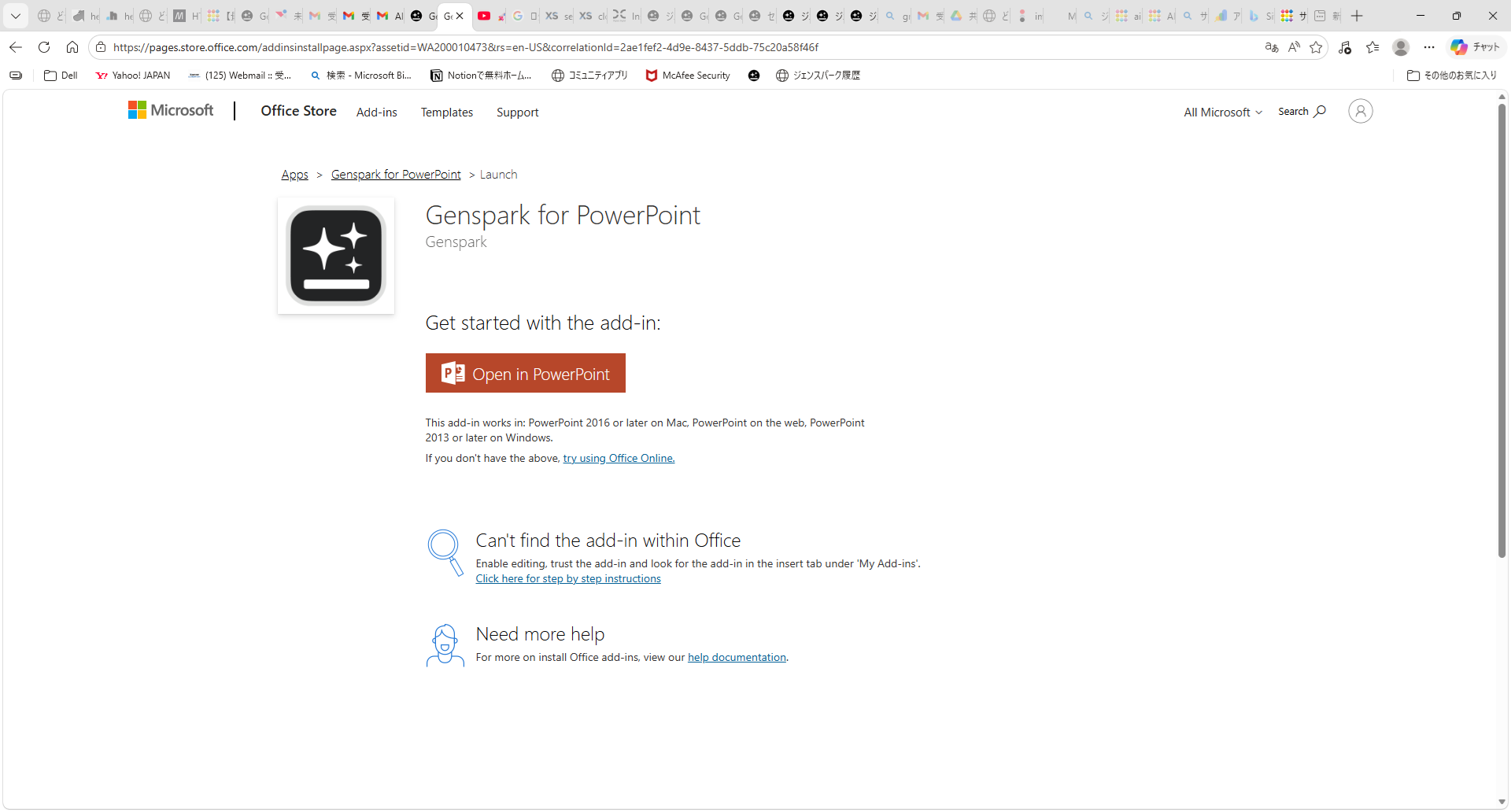
Once installation is complete, an "Open in PowerPoint" button appears. Clicking it launches PowerPoint with the add-in ready to use.
Hands-On: What It's Like to Use
When you open PowerPoint, the "Genspark for PowerPoint" panel appears on the right side. You'll first need to sign in to your Genspark account.
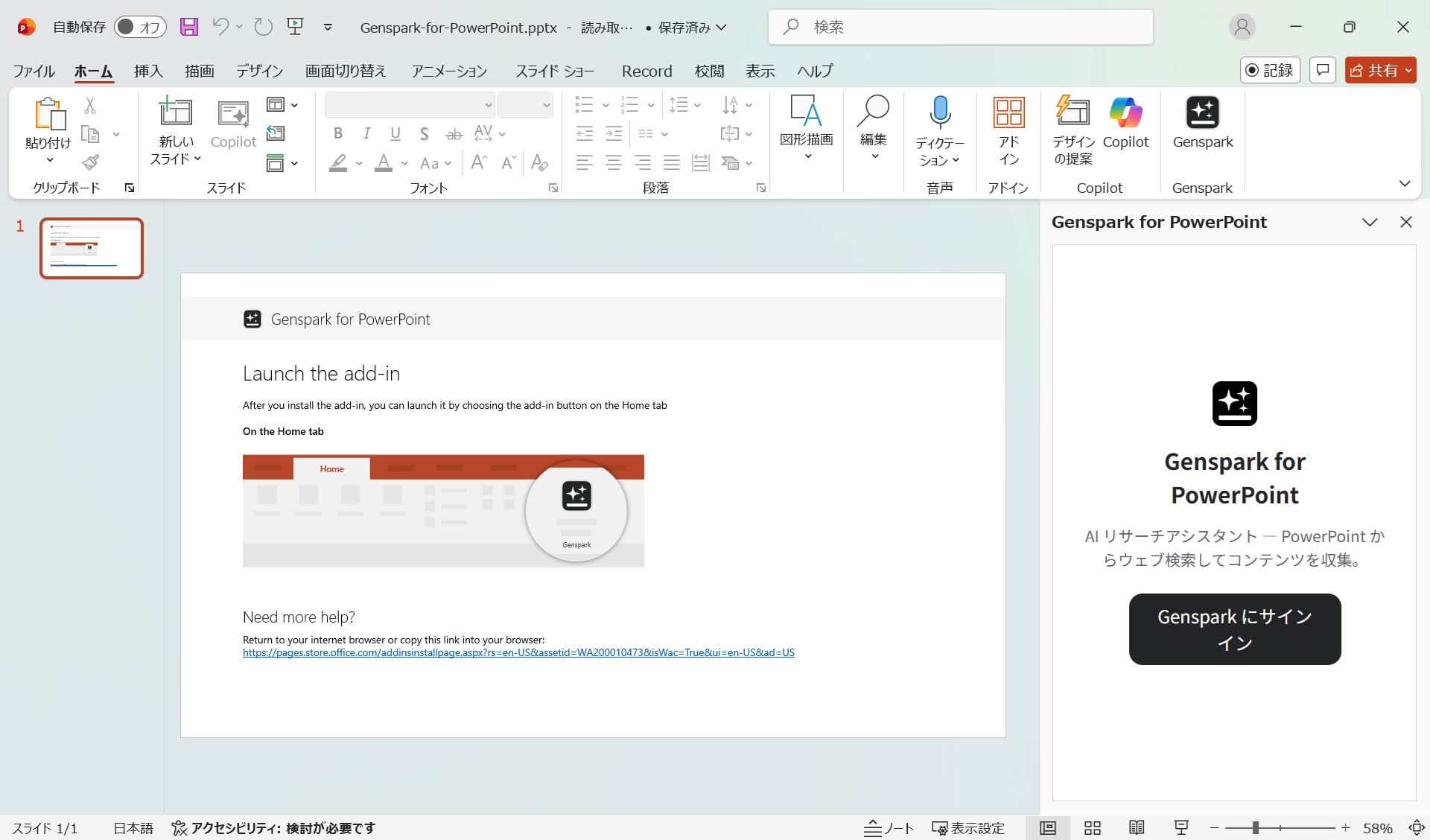
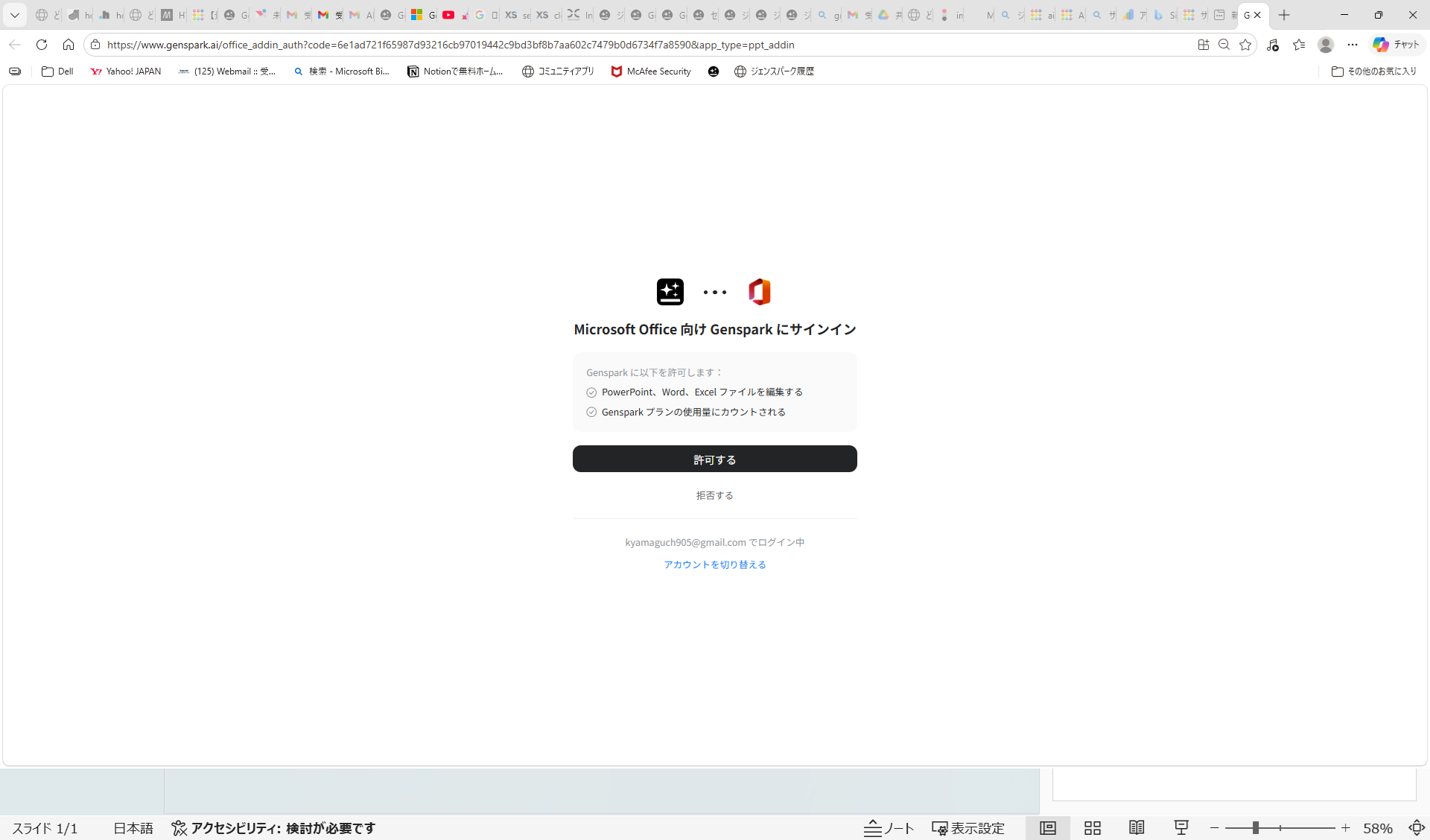
After signing in, Genspark's features become available with options like "Guide Mode" and "Review & Improve" to support your presentation creation.
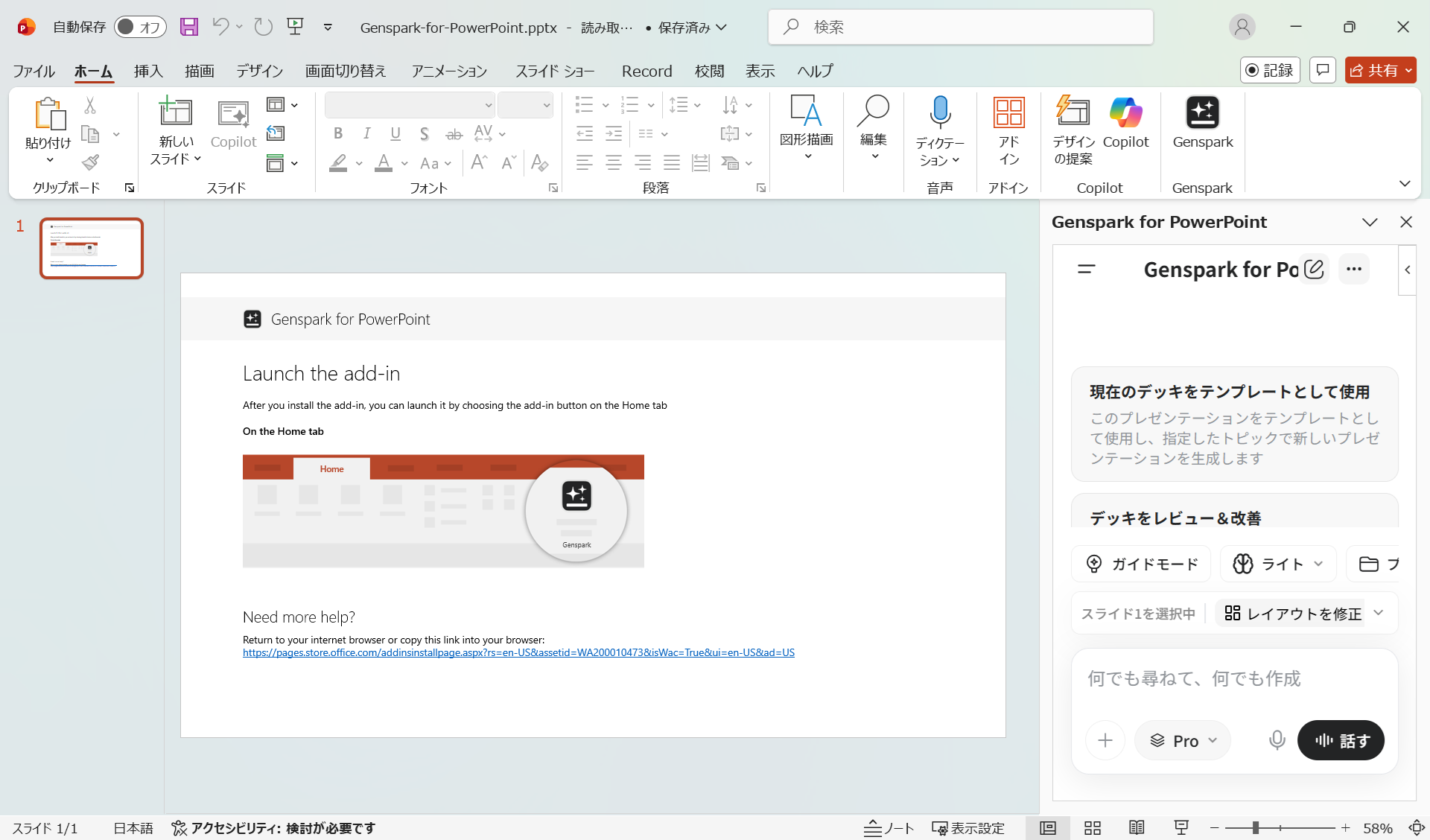
I gave it the instruction: "Please summarize the Genspark for PowerPoint page into a presentation." Genspark automatically generated slides and output them directly into the PowerPoint file. Even without any editing, the result was roughly 80% complete — needing only some finishing touches to be fully presentation-ready.
You can download the actual generated files below (shared as-is, without any manual edits).
📥 Download PPTX 📥 Download PDF
Differences and Benefits vs. the Browser Version
For Microsoft Office users, here are the key advantages of the add-in version compared to using Genspark in the browser:
| Feature | Browser Version | PowerPoint Add-in |
|---|---|---|
| Output | Generated in browser → export to PPT | Output directly to PowerPoint (no export needed) |
| Editing | Edit after exporting | Edit immediately in PowerPoint after generation |
| PDF Conversion | Font and animation issues | Converts smoothly without issues |
| Workflow | Switch between browser and PowerPoint | Everything done within PowerPoint |
PDF Conversion Issues Resolved
When creating PowerPoint presentations with the browser version and converting them to PDF, I ran into the following issues:
- Non-standard fonts like Google's Noto Sans were used, causing PDF conversion to fail or look incorrect
- Heavy use of animations caused problems during PDF export
To work around these issues with the browser version, I always had to specify: "Don't use animations. Use standard PowerPoint fonts like Yu Gothic instead of Noto Sans." It was an extra step every time.
The PDF file above is the same one generated by the add-in. Download it and see for yourself how cleanly it converts.
Pricing
Using Genspark for PowerPoint requires a paid Genspark plan. If you're new to Genspark, you can start for free —
For pricing details: Genspark Pricing Page (pricing details are further down the page)
Summary
The PowerPoint add-in introduced in Genspark 4.0 is a particularly useful upgrade for Microsoft Office users.
Genspark for PowerPoint Install Page
- Available as an add-in for PowerPoint, Excel, and Word
- Unlike the browser version, output goes directly to PowerPoint — no export step needed
- Generated slides can be edited immediately
- PDF conversion works without issues
- Approximately 80% of the work is done automatically — just add the finishing touches
As I covered in my earlier article on creating PowerPoint presentations with Genspark, Genspark's PPT generation capabilities are impressive — and the add-in version makes the workflow even smoother.
For a broader look at what Genspark can do, check out Everything Genspark Can Do [Full Feature Overview].