📁 Categories: Genspark Introduction

How Much Can You Do with Genspark for Free? The Best Ways to Use Your 100 Daily Credits

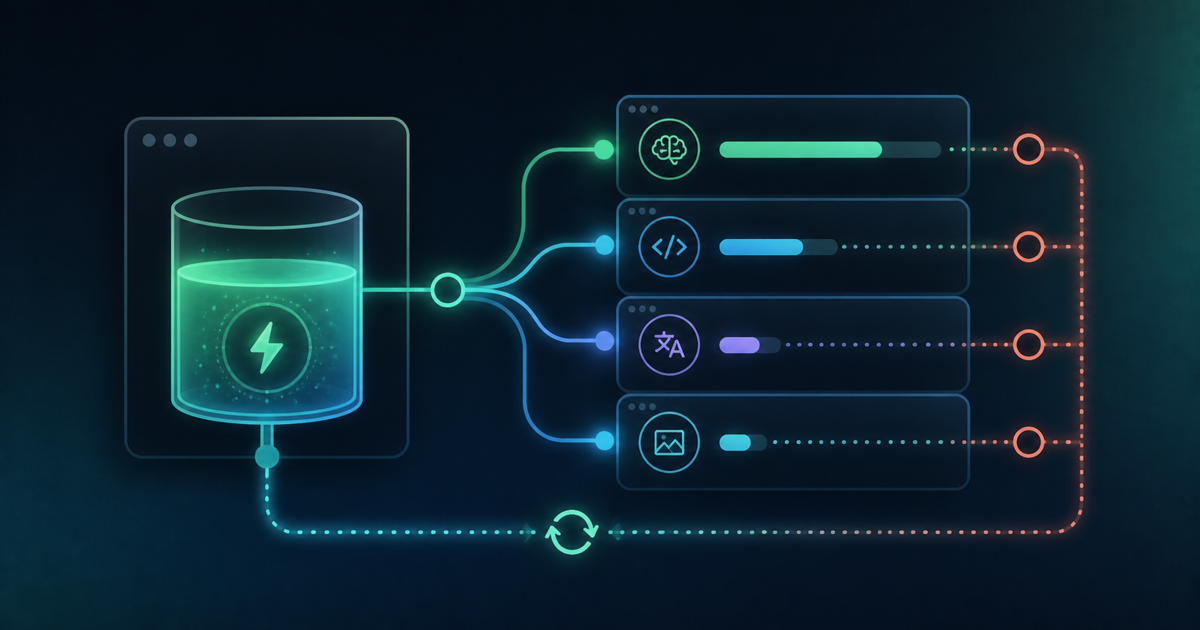
Genspark's free plan gives you 100 credits every day, enough to try AI chat, image generation, and slide generation. Drawing on roughly a year and a half of using Genspark for real projects, this article breaks down how to spend those 100 credits, a practical 5-day plan for trying every major feature, ways to save on credit usage, and how to tell when it's actually time to upgrade to a paid plan.

[June 2026] Genspark MoA: Real-World Performance and How to Use It Right

As of June 2026, Genspark MoA calls three models: GPT-5.1 Instant, Claude Sonnet 4.6, and Gemini 3.1 Pro Preview — not the latest flagships. Reflection also cannot search the web, making MoA unreliable for current-events research. For brainstorming and multi-angle perspective gathering, however, MoA is outstanding. Here is what extensive use revealed about how to get real value from it.

Genspark's "Mixture-of-Agents" Is Revolutionary: How to Get Claude, Gemini, and GPT to Answer Your Question Simultaneously

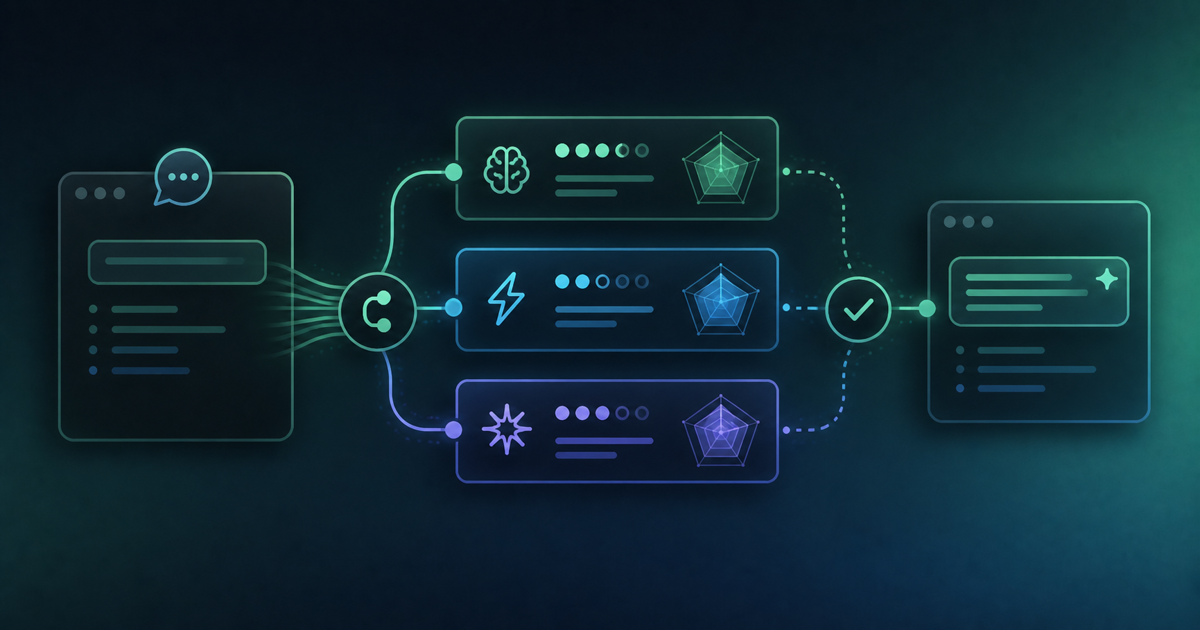
Genspark's "AI Chat Mixture-of-Agents" lets you query Claude, Gemini, GPT, and other leading AI models simultaneously — and get a single synthesised, high-quality answer in return. It cuts the manual "AI hopping" workflow to roughly 1/5 the time. We explain why only Genspark — a platform with no AI model of its own — could build this, and how to use it effectively.

Filling Claude Code's Blind Spots with Genspark CLI: From Image Generation to Transcription

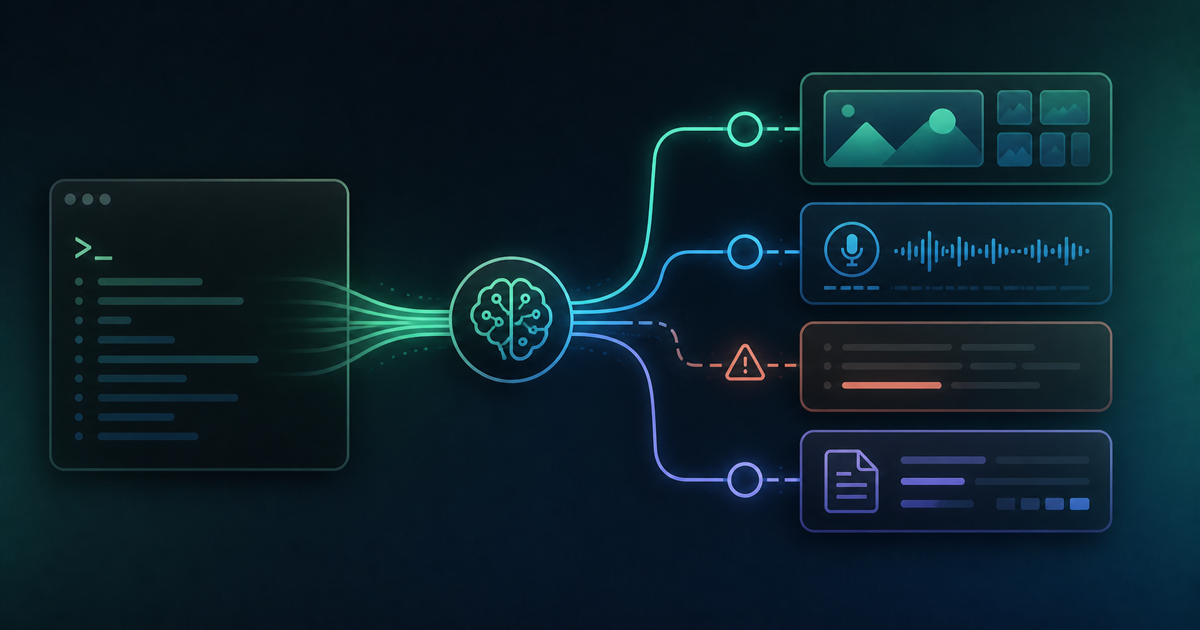
Claude Code is a powerful AI coding tool — but it has no built-in image generation or media processing capabilities. Left to its own devices, it resorts to free services that produce obviously AI-looking results. Install Genspark CLI alongside it and those blind spots disappear: Claude Code can now call gsk img, gsk transcribe, and more to deliver professional-quality output it couldn't produce alone.

Genspark Adds Three New AI Models: DeepSeek, Trinity & Minimax — Features and Hands-On Review

Genspark's AI chat has added three new models: DeepSeek V4 Pro (China), Trinity Large Thinking (USA · Arcee AI), and Minimax M2P7 (China · MiniMax). This post breaks down each model's background, online reception, and real-world performance — including an honest look at Japanese language support and what each one is actually best suited for.

For businesses, essential security settings and precautions for Genspark implementation.

This explains the essential security settings required to safely use Genspark in a corporate environment. We have compiled specific measures to prevent information leakage risks, including steps to turn off AI data retention, prohibiting the input of confidential information, and local processing of customer data.

Tried Genspark for Word: An Honest Review of the Genspark 4.0 Word Add-in

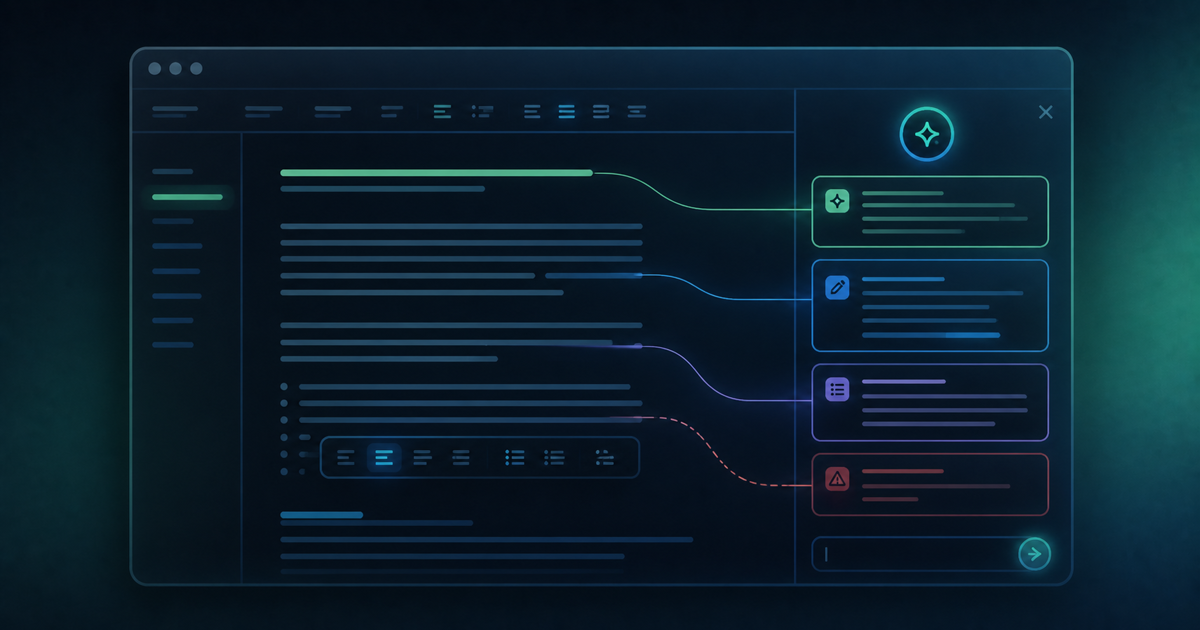
Honest review of the Genspark for Word add-in from Genspark 4.0. Natural language instructions work well for formatting tasks, but the current version is less polished than the PowerPoint and Excel add-ins. Looking forward to future improvements.

Tried Genspark for Excel: The Genspark 4.0 Excel Add-in Is Incredibly Useful

Hands-on review of the Genspark for Excel add-in from Genspark 4.0. Unlike the browser version, you work directly in Excel with a side chat panel. Generated Gaussian data, histograms, and statistical analysis all with simple chat instructions.

Tried Genspark for PowerPoint: A Deep Dive into the Genspark 4.0 PPT Add-in

Hands-on review of the Genspark for PowerPoint add-in introduced in Genspark 4.0. Unlike the browser version, it outputs directly to PowerPoint with no export step needed. PDF conversion issues are also resolved — a major upgrade for Microsoft Office users.

Site Renewal Announcement: Domain and Blog Title Change

We have updated our domain from genspark-dev-blog.com to ai-dev-blog.com and our blog title from "Genspark Dev Chronicles" to "AI Dev Chronicles." Old URLs will automatically redirect.